
Aesthetic Text
Aesthetic Text Styles: Vibes, Trends and Where They Work
Which aesthetic suits your profile — vaporwave, Y2K, soft girl or cottagecore — what is trending in 2026, and where each style survives a paste.
Contents
- How to Use the Aesthetic Font Generator
- What Is an Aesthetic Font Generator?
- Choose an Aesthetic That Matches Your Vibe
- Y2K-Inspired Text Ideas
- Soft Aesthetic Font Styles
- Vaporwave-Inspired Text Ideas
- Cottagecore-Inspired Font and Text Ideas
- 2026 Social Media Aesthetic Trends
- The 2026 Aesthetic Text Trend Matrix
- Where to Use Aesthetic Copy-and-Paste Text
- Readability and Accessibility Tips
- Frequently Asked Questions
- What is an aesthetic font generator?
- Are aesthetic fonts real fonts?
- How do I make Y2K, vaporwave or cottagecore-inspired text?
- Can I paste aesthetic text into Instagram or TikTok?
- Why do some aesthetic letters appear as boxes?
- Create Your Aesthetic Text
The aesthetic font generator turns ordinary words into copy-and-paste Unicode text for bios, captions, usernames and display names. Open the Aesthetic Fonts generator, enter a short phrase, compare the available results and test your choice in the app where you plan to use it.
Some results can support Y2K, soft, vaporwave or cottagecore-inspired looks. These are creative directions rather than dedicated filters, so choose according to the letters, spacing and symbols shown in each result.
Quick checklist
- Enter a name, word or short phrase.
- Compare several readable variations.
- Copy the result you prefer.
- Paste it into the intended text field.
- Check every character before saving.
How to Use the Aesthetic Font Generator
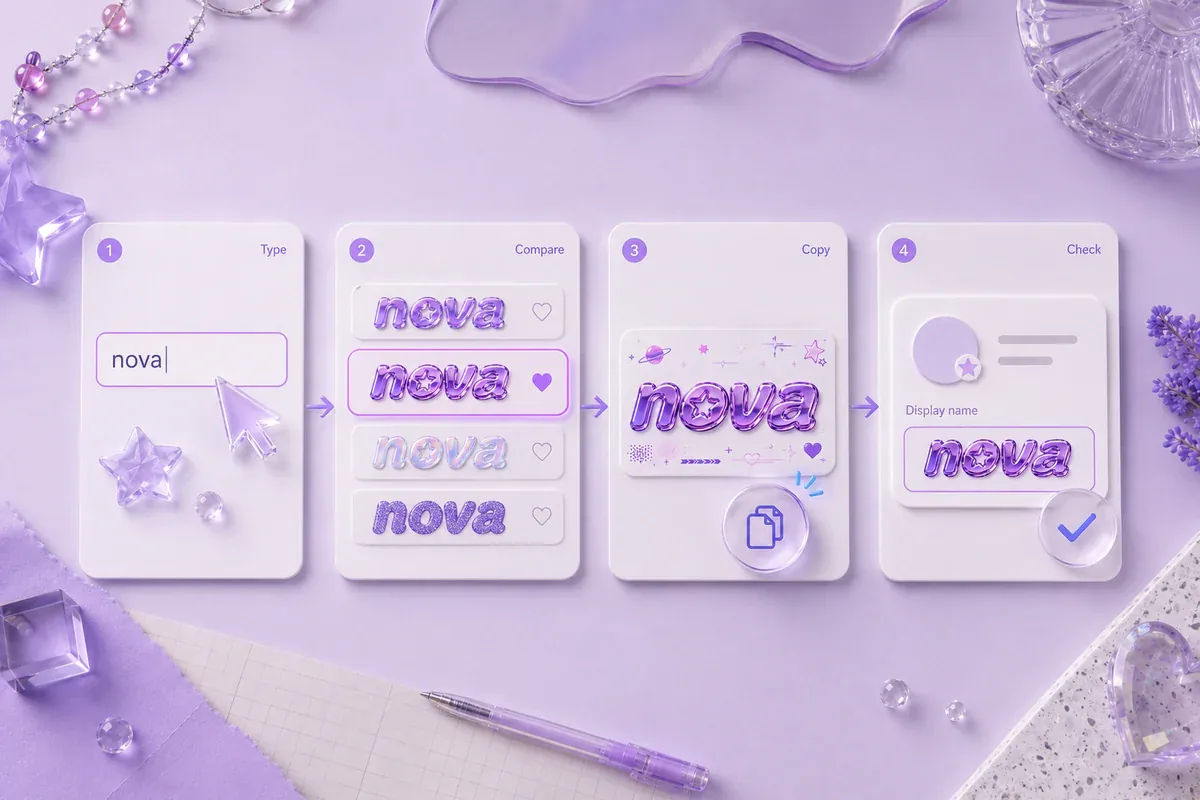
Using the aesthetic font generator takes five steps:
- Type or paste your text into the input field.
- Review the generated variations beneath the tool.
- Choose a style that keeps the full phrase clear.
- Select the copy button beside your preferred result.
- Paste the text into its final location and inspect it.
The page includes varied results such as Aesthetica Script, Dreamy Type, Serene Fonts, Pastel Script and Soft Aura Type. These labels should be checked whenever the tool collection changes.
Judge the complete phrase rather than one attractive letter. A decorative capital may look clear by itself but become difficult to read inside a long display name.
Example: Enter "Luna Notes" and compare a light script with a simple spaced version. The script may suit a profile heading, while the simpler result may be easier to scan in comments.
What Is an Aesthetic Font Generator?
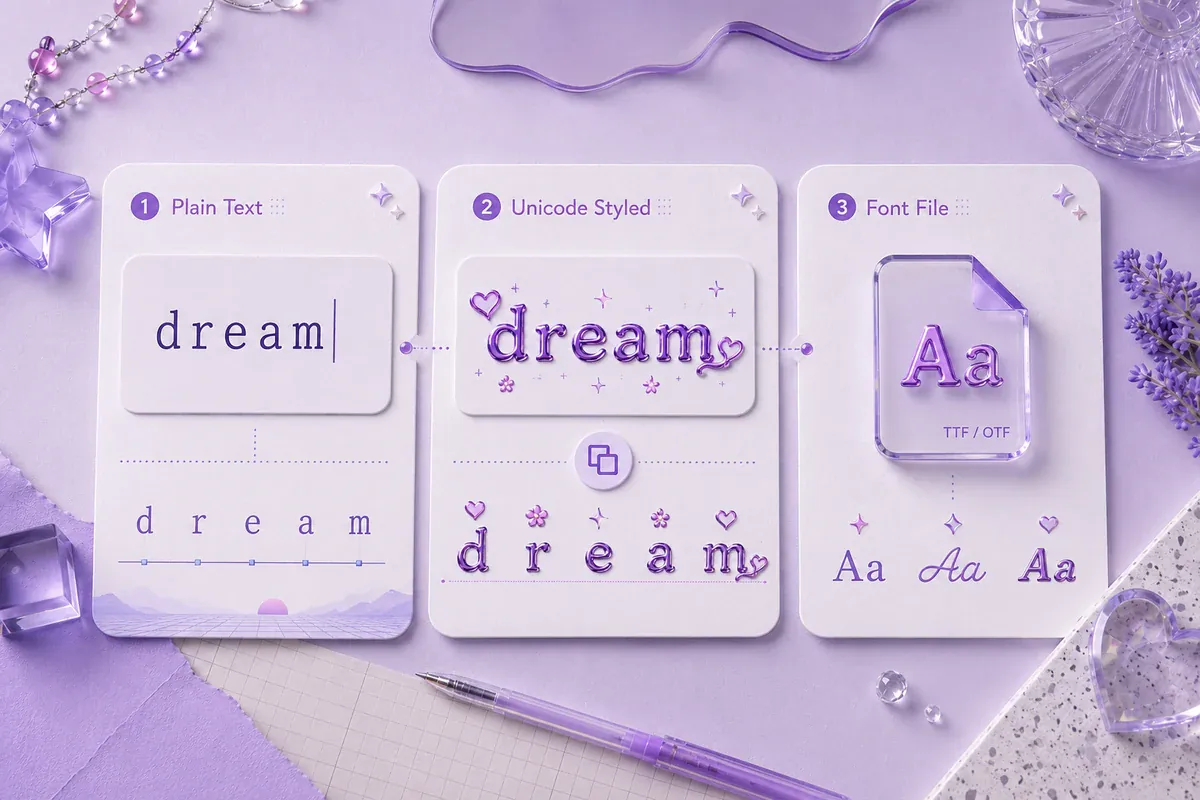
An aesthetic font generator is a tool that substitutes ordinary letters with decorative characters, symbols or alternative Unicode forms. It does not usually install a new typeface inside Instagram, TikTok, Discord or another service.
That distinction explains why the text can be copied. A downloadable font file controls how lettering is drawn inside supported design software. An aesthetic Unicode text generator creates text from characters that can be pasted into many text fields.
Some results use fullwidth forms, mathematical alphanumeric symbols or characters from other supported sets. Fullwidth Latin letters create the wider appearance often associated with retro-digital text.
The receiving device still needs a font that contains each character. When support is missing, the character may appear as a box, blank space or replacement mark.
Simple example:
- Plain text:
MOON CLUB - Wide text:
MOON CLUB - Decorated text:
✦ MOON CLUB ✦
Styled text is most useful for short visual accents. Contact details, instructions and other essential wording are safer in ordinary text.
Choose an Aesthetic That Matches Your Vibe
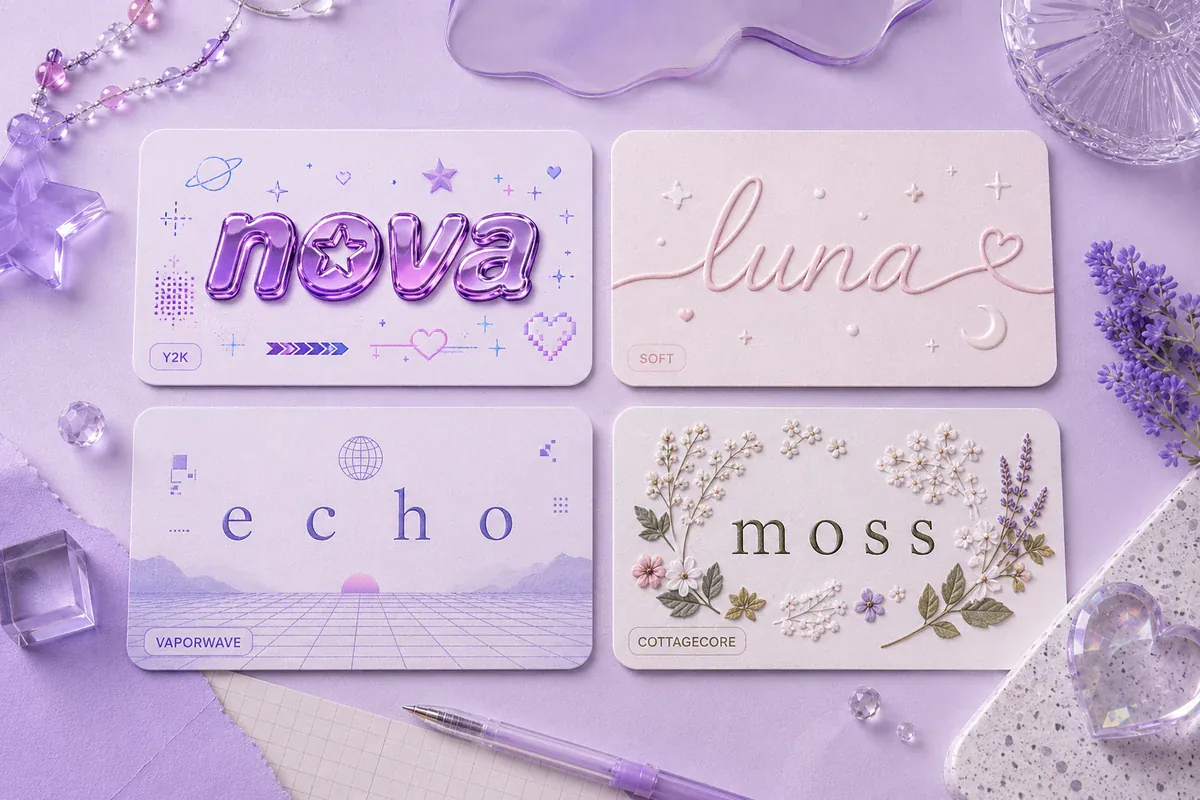
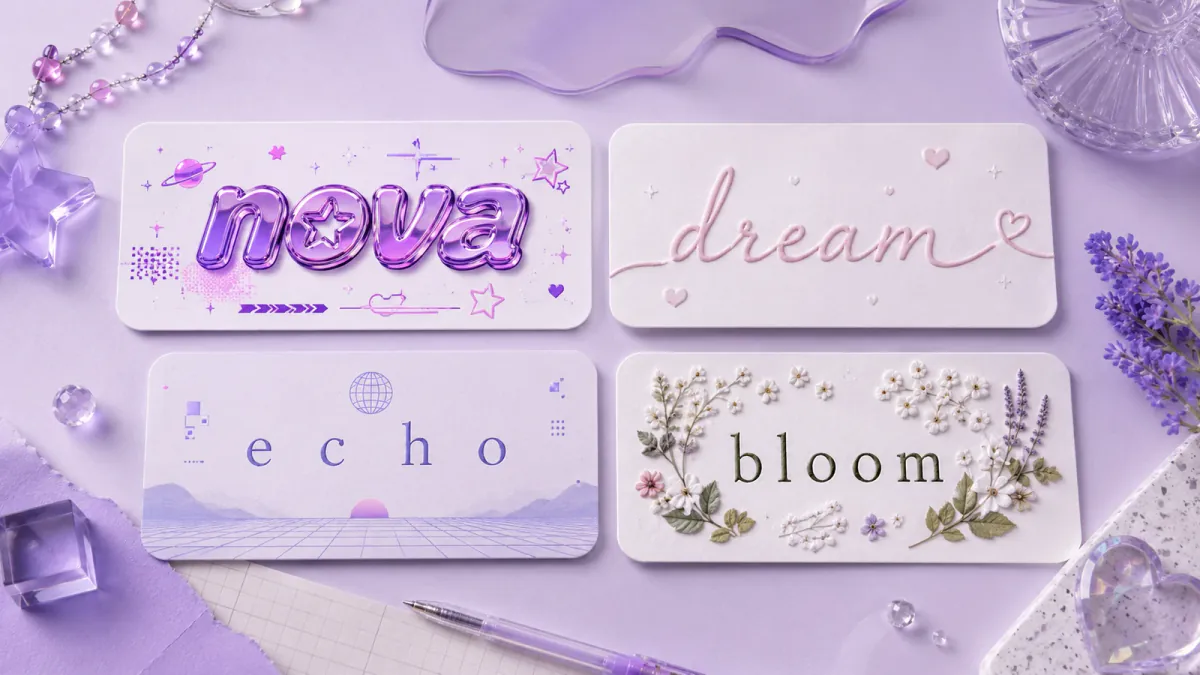
An aesthetic label describes a mood rather than one fixed alphabet. The same text may feel soft when paired with a small heart or more Y2K-inspired when framed with stars and digital symbols.
| Aesthetic direction | Typical mood | Text treatment to try | Suitable uses |
|---|---|---|---|
| Y2K | Playful, futuristic and nostalgic | Rounded, bold or cyber-influenced characters | Usernames, music posts and gaming profiles |
| Soft | Calm, delicate and understated | Lowercase text, light script and subtle symbols | Bios, journals and lifestyle captions |
| Vaporwave | Retro-digital and surreal | Fullwidth characters and visible spacing | Playlist names, art pages and gaming posts |
| Cottagecore | Bookish, natural and handmade | Gentle script and botanical symbols | Reading, gardening and cozy lifestyle profiles |
These categories can help you browse the existing results, but they are not promises of dedicated style controls.
Y2K-Inspired Text Ideas
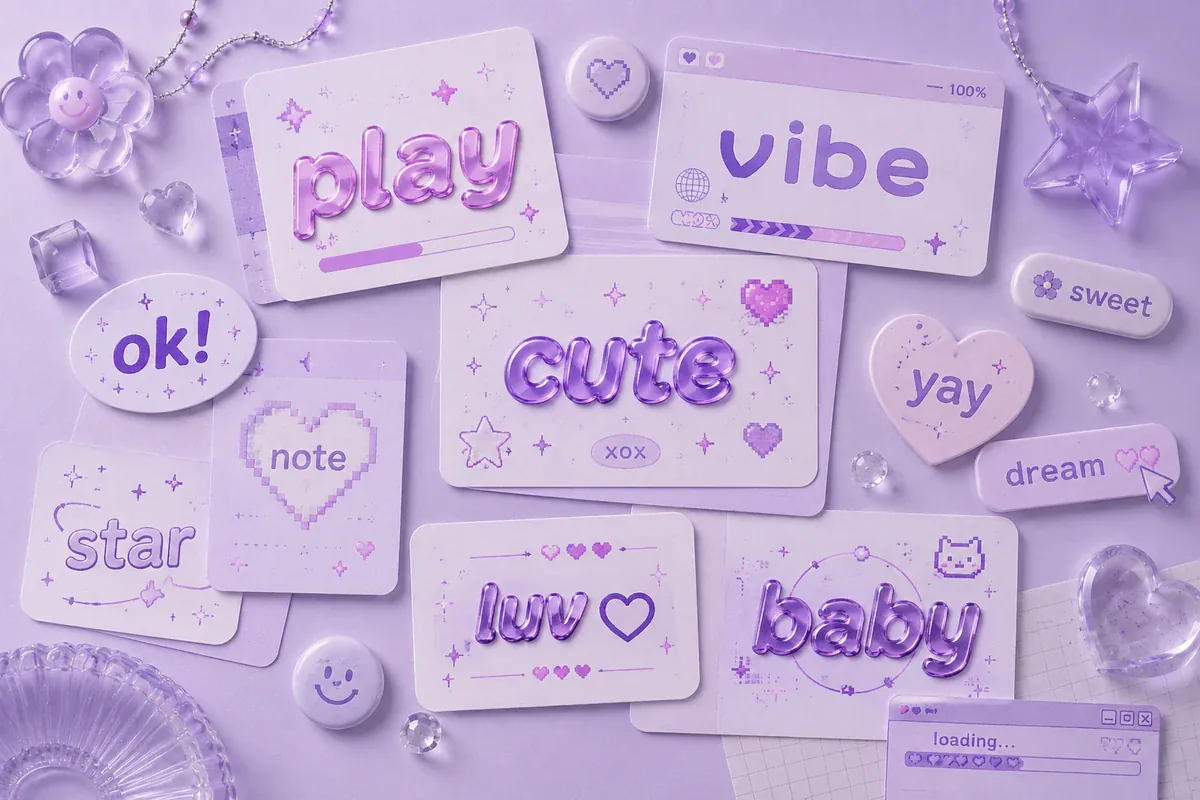
A Y2K-inspired text direction takes cues from early digital interfaces, playful technology imagery and turn-of-the-millennium pop graphics. Look for rounded characters, unusual capitals and small marks such as stars, hearts or digital-style symbols.
Short names and headings usually work better than full paragraphs. A copy-and-paste Y2K-style result can suggest a playful cyber mood, but Unicode characters cannot reproduce chrome surfaces, metallic gradients or photographic lettering effects. Those treatments require graphic design software.
Example: Turn "Cyber Angel" into a bold character style and place one star on each side. Keep the core words free from extra marks so the name remains easy to recognize.
For louder decorative choices, compare the fancy font generator or the glitch font generator.
Soft Aesthetic Font Styles
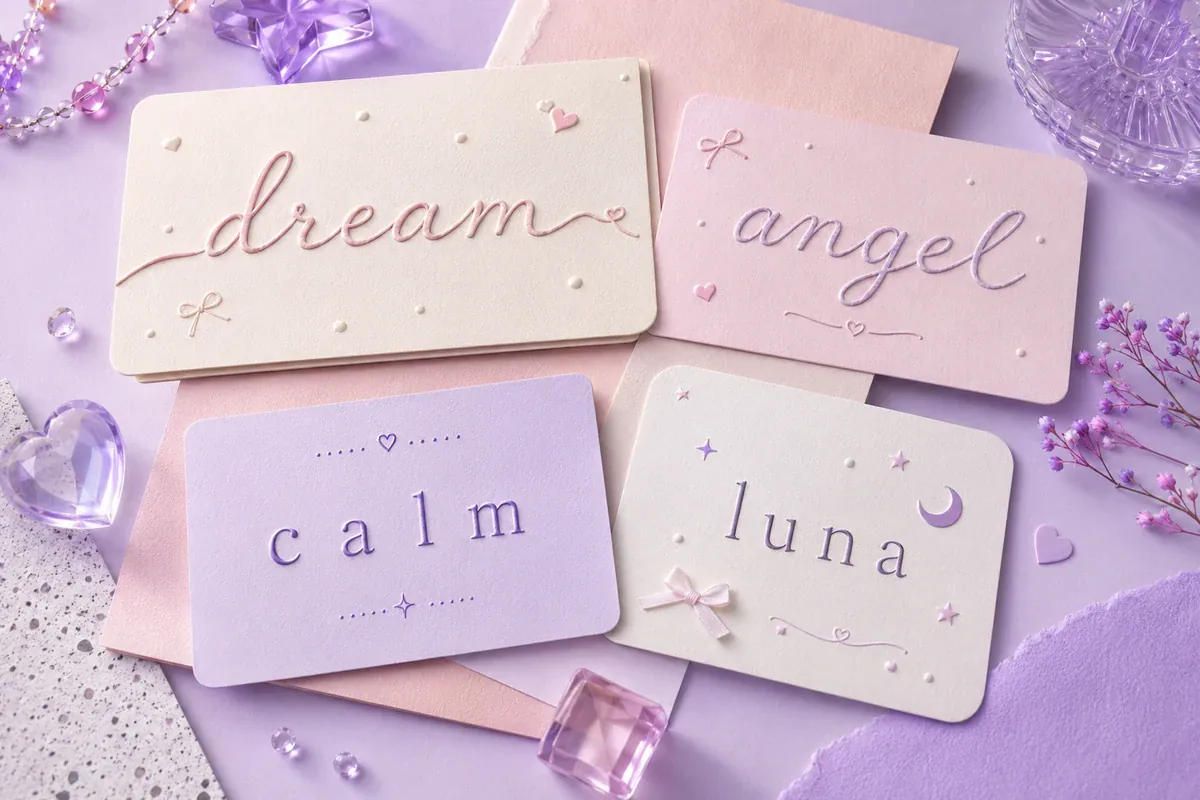
A soft aesthetic text direction often uses delicate scripts, lowercase presentation and small decorative marks. The mood can feel calm and personal without surrounding every word with symbols.
Choose one main detail. A flowing script may need no decoration, while simple lowercase lettering may work with one heart, flower or star.
Example: Enter "daily thoughts" and compare a gentle script with a clean lowercase version. The script can mark a profile heading, while the simpler version is more suitable for a longer caption.
The cursive font generator offers more flowing text when the current results feel too structured. For a softer, Japanese-influenced kawaii mood built around kaomoji faces rather than these Y2K, vaporwave and cottagecore directions, see the cute font generator. If the soft direction is the one you want but you would rather it read airy than cute, the ethereal font generator covers the dreamy end of it — script, small caps and double-struck styles picked for lightness.
Vaporwave-Inspired Text Ideas
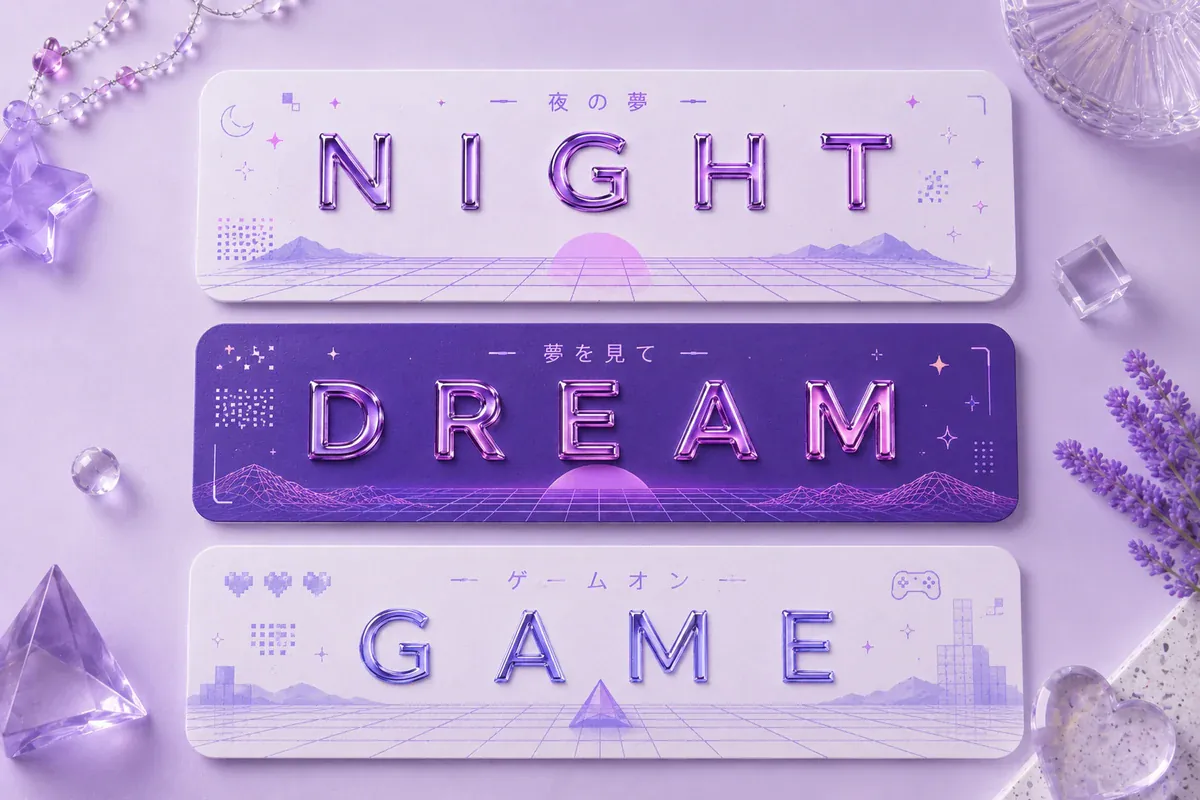
A vaporwave-inspired text direction often creates its retro-digital mood with fullwidth letters, visible spacing and restrained symbol combinations. It can suit lo-fi music pages, gaming profiles, digital art posts and playlist titles.
Copyable vaporwave-style text provides the lettering, not a complete vaporwave graphic. Color gradients, grids, statues and layered image effects must be created separately.
Wide characters need more horizontal room, so short phrases are the safest choice.
Example: Use a wide version of "Night Drive" as a playlist title, then keep the track description below it in ordinary text.
Cottagecore-Inspired Font and Text Ideas
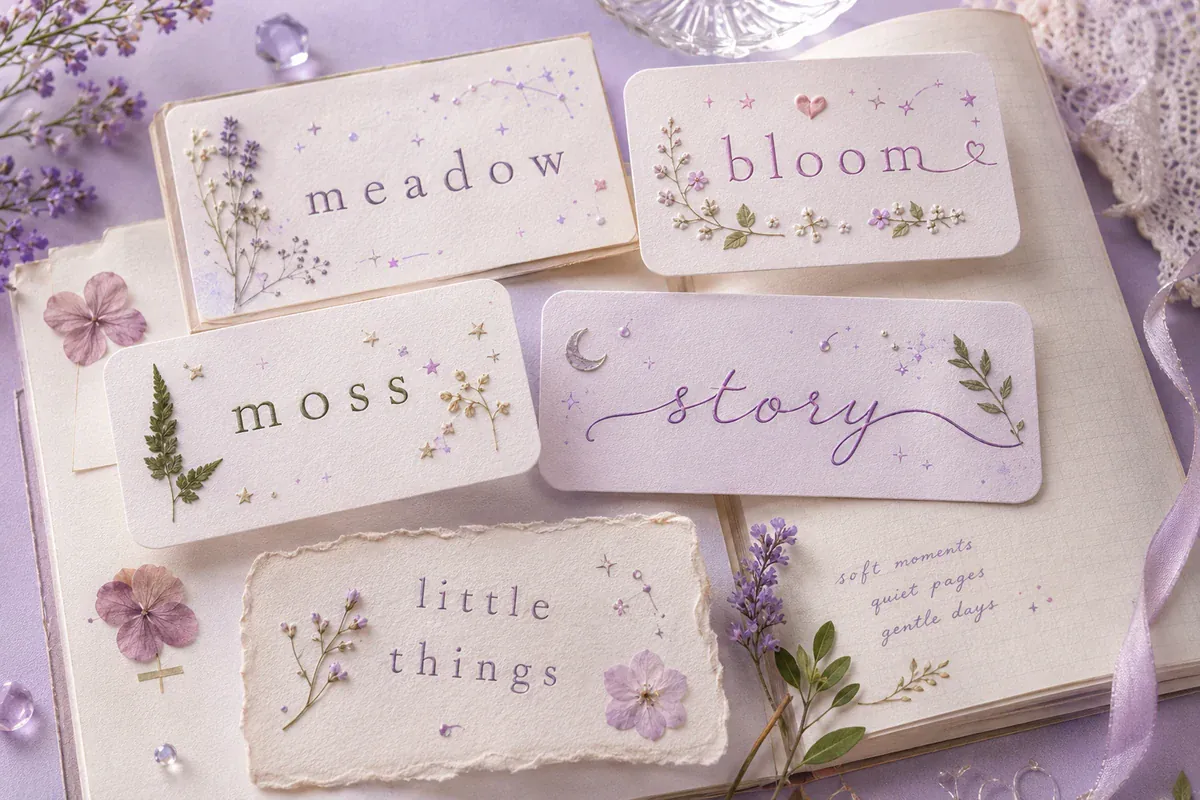
A cottagecore-inspired text direction usually feels literary, botanical and handmade. Browse gentle script, serif-like and minimal results, then add a restrained flower, leaf or star when it suits the wording.
The tool does not need a dedicated cottagecore filter for you to create a related mood. Treat the available styles as ingredients rather than historically exact examples of cottagecore typography.
Judge any copy-and-paste cottagecore-inspired style by its readability, not by the number of decorations it contains.
Example: Try "Garden Journal" in a light script with one leaf on either side. Avoid placing a symbol between every letter.
This approach can suit book accounts, recipe titles, gardening posts and craft profiles. The calligraphy font generator provides another source of gentle lettering, and the swirly text generator goes further into curls and looping tails for a handmade shop name or a journal heading.
2026 Social Media Aesthetic Trends
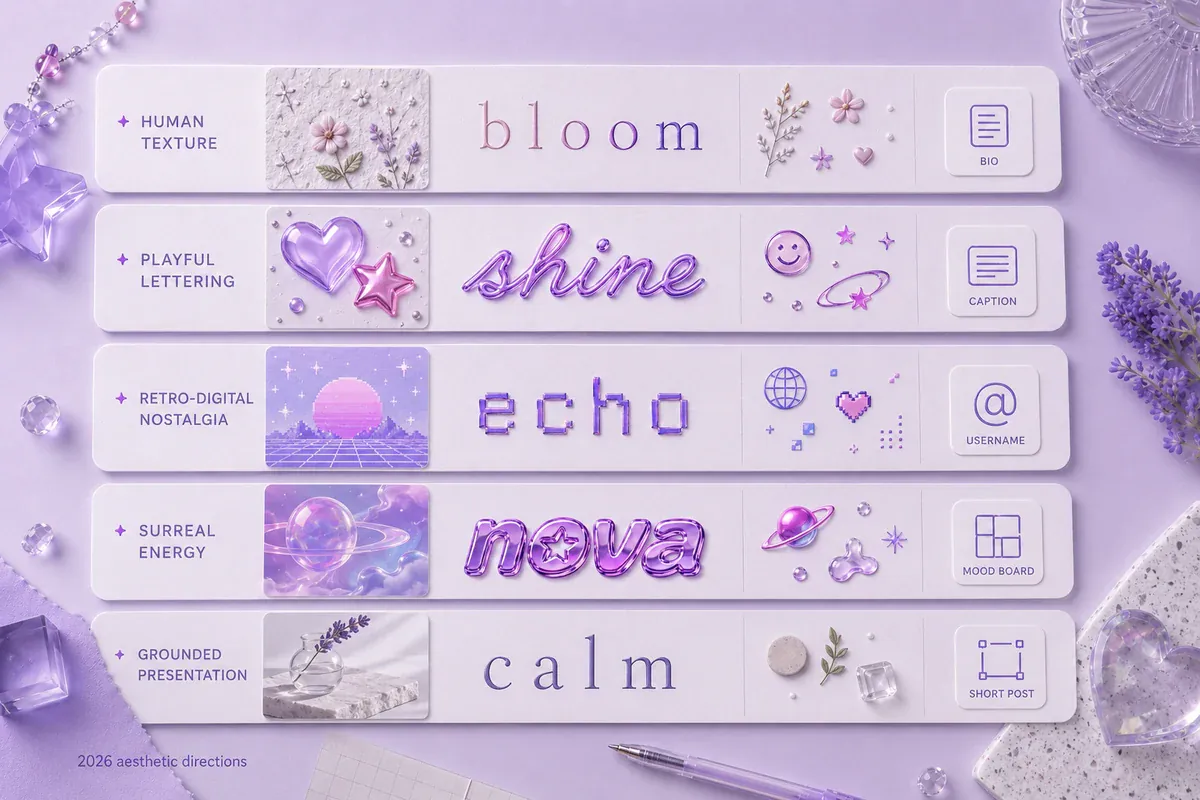
Current creative reports point toward lettering with more personality and less rigid polish.
Canva's 2026 design report discusses imperfection, playful layouts, retro-tech references, tactile details and honest human visuals. Adobe's 2026 design report highlights 2026 design directions for visual creators. TikTok Next 2026 groups its signals under Reali-TEA, Curiosity Detours and Emotional ROI.
Canva, Adobe and TikTok do not classify these ideas as Y2K, soft, vaporwave or cottagecore. The table below is FontifyText's editorial reading of how those wider signals may relate to aesthetic text.
The 2026 Aesthetic Text Trend Matrix
| Trend signal | Text direction | Closest aesthetic | Practical use |
|---|---|---|---|
| Human texture | Lightly irregular or handwritten styling | Soft / cottagecore | Journals and personal updates |
| Playful lettering | Bold or unusual characters | Y2K | Usernames and short headings |
| Retro-tech references | Wide or cyber-influenced text | Y2K / vaporwave | Music and gaming content |
| Grounded presentation | Minimal decoration and clear wording | Soft | Everyday captions and bios |
| Mood-led choices | Styling matched to the message | Any direction | Lifestyle and community posts |
The useful lesson is not to decorate every line. Choose a style that supports the words and keeps the main message easy to understand.
Where to Use Aesthetic Copy-and-Paste Text
Decorative text is most useful in short, optional areas where visual character matters more than rapid reading.
Common placements include:
- Profile display names
- Short bio headings
- Captions and post titles
- Gaming profiles
- Community or server names
- Playlist and mood-board titles
- Digital invitations
- Creative project names
Aesthetic text for usernames can work when the characters remain recognizable and the field accepts them. Some services limit username characters even when display-name fields accept a wider range.
For Instagram-focused options, use the Instagram font generator. For a subtler, compact heading style instead of a decorative one, the small caps generator covers a related but distinct approach.
Readability and Accessibility Tips
Use decorative text as an accent rather than a replacement for every sentence. Long styled passages can be difficult to scan, search or interpret through assistive tools.
Keep phone numbers, email addresses, instructions, links and important labels in ordinary text. Do not rely on decorative characters as the only wording on a button or form field.
W3C guidance explains that some information needs to be programmatically determinable or available in text so it can be presented by software and assistive technologies.
Follow these checks before publishing:
- Test the result on a phone and desktop screen.
- Remove unnecessary symbols.
- Keep a plain-text version of essential wording.
- Replace characters that display as boxes.
- Check that the text still makes sense when decoration is ignored.
- Avoid styled text in long paragraphs.
Example: Use a decorative display name at the top of a profile, then repeat the essential name or business wording in plain text inside the bio.
Frequently Asked Questions
What is an aesthetic font generator?
An aesthetic font generator changes ordinary text into decorative, copyable character styles. Many results use Unicode characters and symbols rather than an installed font file. You can compare the variations, copy one and test it in a supported text field.
Are aesthetic fonts real fonts?
Some aesthetic designs are downloadable typefaces. Copy-and-paste generators usually substitute Unicode characters instead. The receiving app and device still decide how those characters are displayed.
How do I make Y2K, vaporwave or cottagecore-inspired text?
Choose bold or cyber-influenced characters for a Y2K direction, wide letters for vaporwave text, or gentle script with restrained botanical symbols for cottagecore-inspired wording. These are creative groupings rather than dedicated filters on the current tool.
Can I paste aesthetic text into Instagram or TikTok?
Many text fields accept Unicode characters, but support, character limits and field rules vary. Paste the result and inspect every character before saving it.
Why do some aesthetic letters appear as boxes?
A box usually means the device or app does not have a font that can display that character. Choose another generated style or replace the unsupported letter with its ordinary version.
Create Your Aesthetic Text
The aesthetic font generator gives you a quick way to compare soft, Y2K, vaporwave and cottagecore-inspired text ideas without installing a font file. Start with a short phrase, test several results and choose the version that stays readable in its final location.
Open the Aesthetic Fonts generator, enter your text, compare the available styles and copy the one that fits your username, bio, caption or creative post.