Midnight Flourish
╏╠══[ ✦✦✦ 𝔉𝔬𝔫𝔱 𝔊𝔢𝔫𝔢𝔯𝔞𝔱𝔬𝔯 ✦✦✦ ] 💦

Free · No Signup · No App
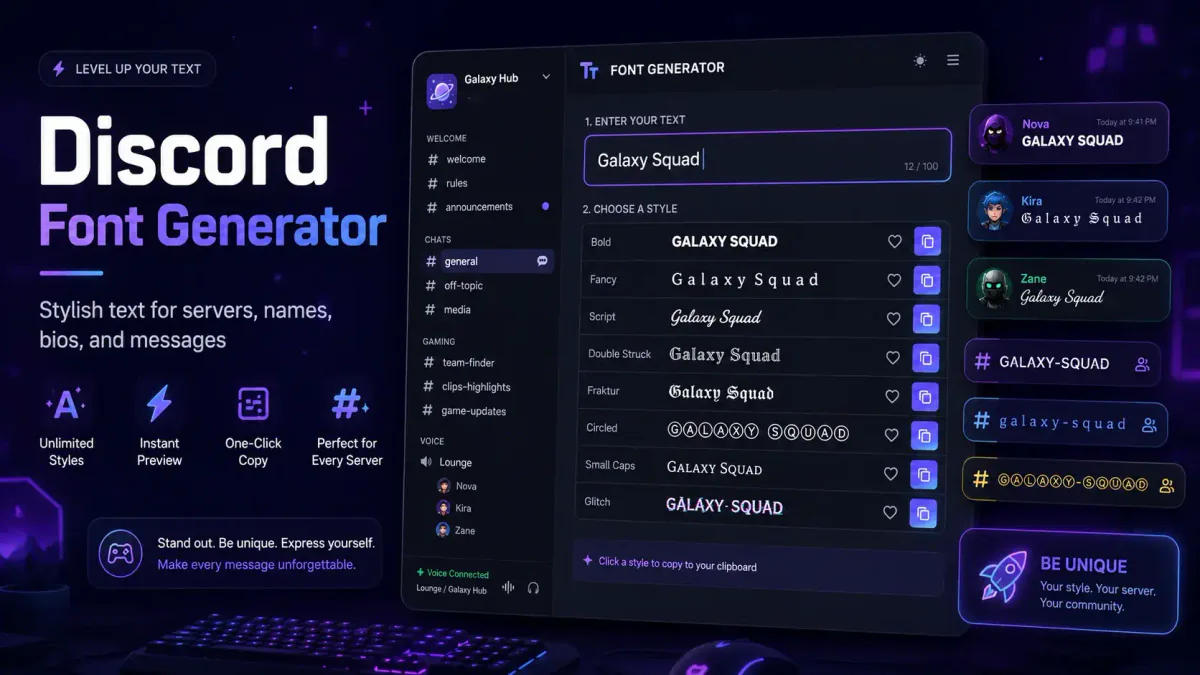
Type your text once and preview it in 500+ Unicode styles. Copy the one you like and paste it into an Instagram bio, TikTok caption, Discord name, or game username.
╏╠══[ ✦✦✦ 𝔉𝔬𝔫𝔱 𝔊𝔢𝔫𝔢𝔯𝔞𝔱𝔬𝔯 ✦✦✦ ] 💦
✦✦ 🅵🅾🅽🆃 🅶🅴🅽🅴🆁🅰🆃🅾🆁 ✦✦
♥••*´¨`*•.☆• 🄵🄾🄽🅃 🄶🄴🄽🄴🅁🄰🅃🄾🅁 ♥••*´¨`*•.☆•
♡(ミ ᵕ̣̣̣̣̣̣ ﻌ ᵕ̣̣̣̣̣̣ ミ)ノ ғоɴт ɢεɴεгαтог ૮₍ ˶•⤙•˶ ₎ა
૮₍˶Ó﹏Ò ⑅₎ა 𝙵𝚘𝚗𝚝 𝙶𝚎𝚗𝚎𝚛𝚊𝚝𝚘𝚛 ა ₍⑅ Ò﹏Ó˶₎૮
꧁ 🄕🄞🄝🄣 🄖🄔🄝🄔🄡🄐🄣🄞🄡 ꧂
☆○zzo。* ʄⵁꚡԵ 𐌾𑀚ꚡ𑀚ᎡⲆԵⵁᎡ *。ozz○☆
⋇⊶⊰❣⊱⊷⋇ ƒσηт gєηєяαтσя ⋇⊶⊰❣⊱⊷⋇
.·:*¨ ¨*:·. ғоɴт ɢεɴεгαтог .·:*¨ ¨*:·.
•,¸,.·' '·.,¸,• FӨПƬ ǤΣПΣЯΛƬӨЯ •,¸,.·' '·.,¸,•
❀💋❀ ƑΘƝƬ ƓƸƝƸⱤ𐤠ƬΘⱤ ❀💋❀
ʄⵁꚡԵ 𐌾𑀚ꚡ𑀚ᎡⲆԵⵁᎡ
𝔉𝔬𝔫𝔱 𝔊𝔢𝔫𝔢𝔯𝔞𝔱𝔬𝔯
🄕🄞🄝🄣 🄖🄔🄝🄔🄡🄐🄣🄞🄡
FӨПƬ ƓΣПΣЯΛƬӨЯ
🅵🅾🅽🆃 🅶🅴🅽🅴🆁🅰🆃🅾🆁
♥Ƹ̵̡Ӝ̵̨̄Ʒ♥ FӨПƬ ƓΣПΣЯΛƬӨЯ ♥Ƹ̵̡Ӝ̵̨̄Ʒ♥
˚ ༘♡ ⋆。˚ ꕥᘛᗽ ʄօռȶ ɢɛռɛʀǟȶօʀ ᘀᘗ ꕥ ˚。⋆ ♡ ༘ ˚
ฅ^._.^ฅ ꓝ𝝤𝝢𝝩 Ᏽ𝝚𝝢𝝚Ɍ𝝖𝝩𝝤Ɍ ฅ^._.^ฅ
・┆✦ʚ♡ɞ✦ ┆・ᶠₒₙₜ ᴳₑₙₑᵣₐₜₒᵣ ・┆✦ʚ♡ɞ✦ ┆・
✧༝┉˚*❋❤❋*˚┉༝✧ Font Generator ✧༝┉˚*❋❤❋*˚┉༝✧
ღ¸.✻´`✻.¸¸ღ 𝔽𝕠𝕟𝕥 𝔾𝕖𝕟𝕖𝕣𝕒𝕥𝕠𝕣 ღ¸.✻´`✻.¸¸ღ
[̲̅[̲̅F]][̲̅[̲̅o]][̲̅[̲̅n]][̲̅[̲̅t]] [̲̅[̲̅G]][̲̅[̲̅e]][̲̅[̲̅n]][̲̅[̲̅e]][̲̅[̲̅r]][̲̅[̲̅a]][̲̅[̲̅t]][̲̅[̲̅o]][̲̅[̲̅r]]
。・:*:・゚❤,𝗙𝗼𝗻𝘁 𝗚𝗲𝗻𝗲𝗿𝗮𝘁𝗼𝗿 。・:*:・゚❤
24 of 516 fonts
Copy-ready text styles
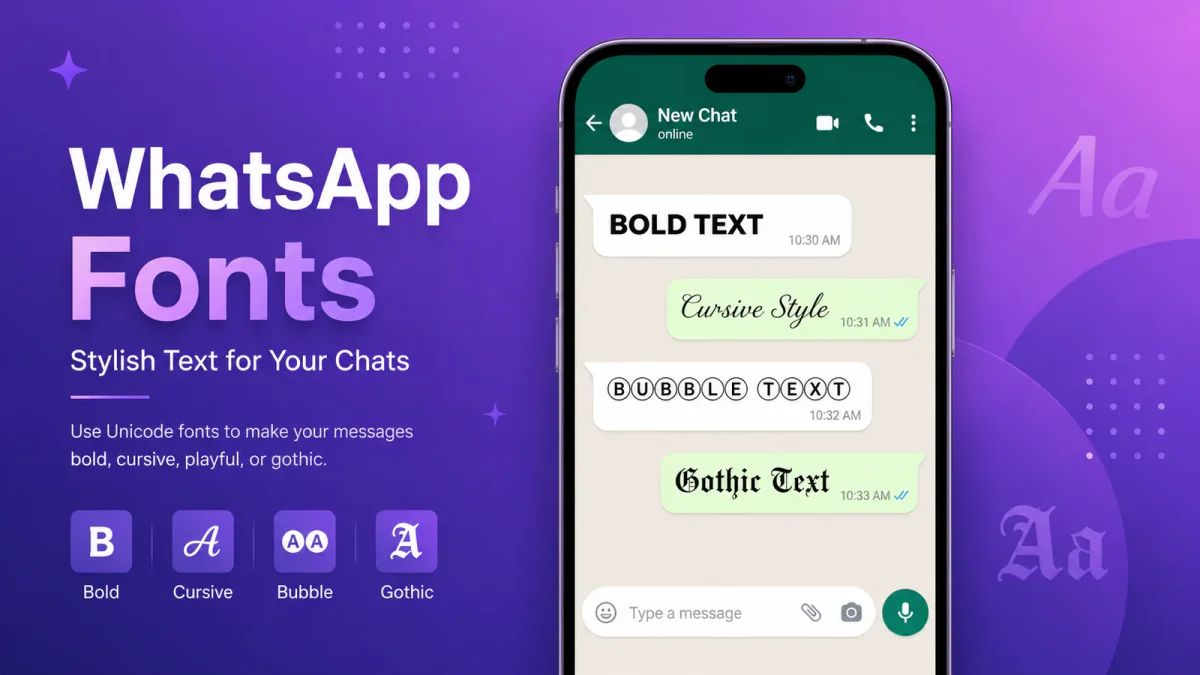
Type your text once, then compare the results across every style at the same time — cursive, gothic, bubble, swirly, and dozens more. Each one is made of Unicode characters, so it pastes as plain text anywhere: Instagram bios, Discord names, WhatsApp status, captions, and gaming usernames. No app, keyboard install, or account needed, and the style survives even where a platform strips normal formatting. Scan the live preview, pick the look that still reads clearly on a small screen, and copy it straight into the field you're editing. For profiles, captions, and usernames, a style that's easy to read usually wins over one that's loaded with symbols.
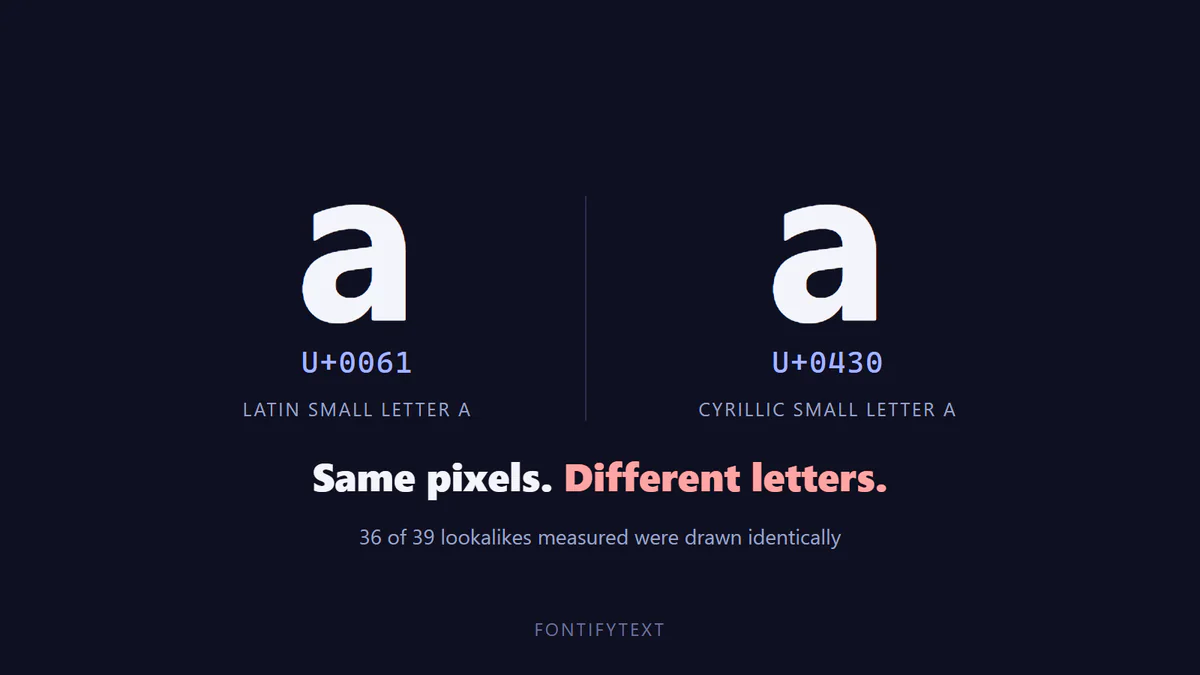
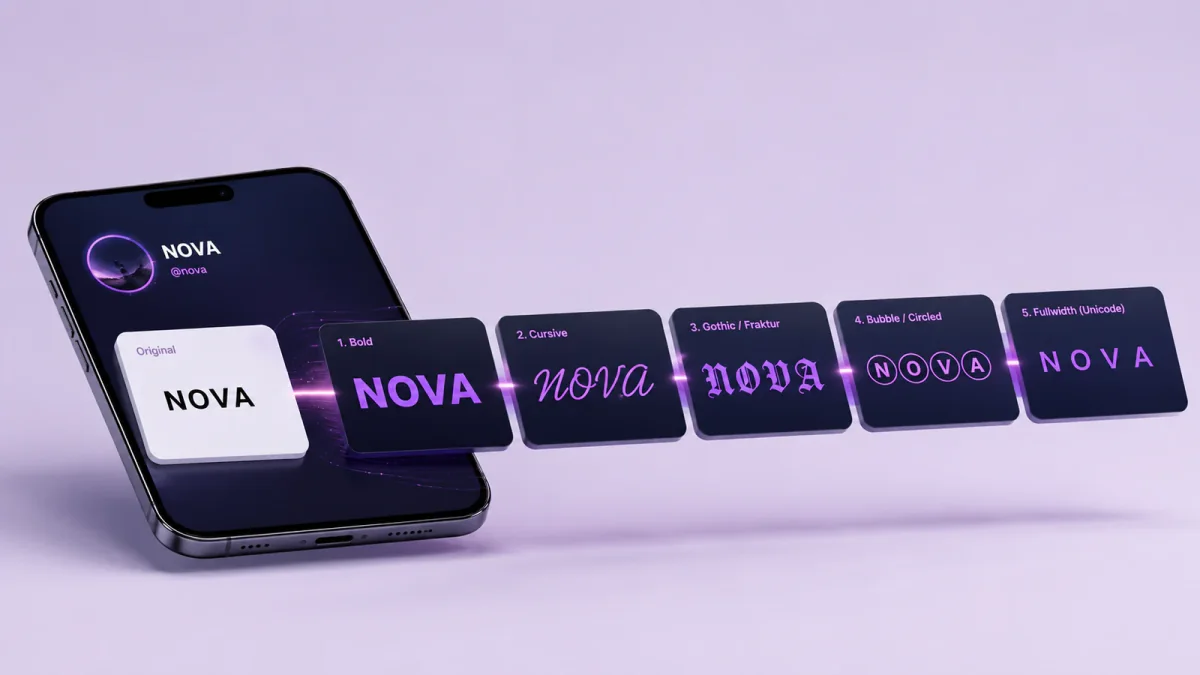
You've probably noticed bios and captions that use bold, cursive, or unusual lettering that a normal keyboard can't type. Most of the time, that's not a custom font at all — it's ordinary Unicode text made of characters that already look styled.
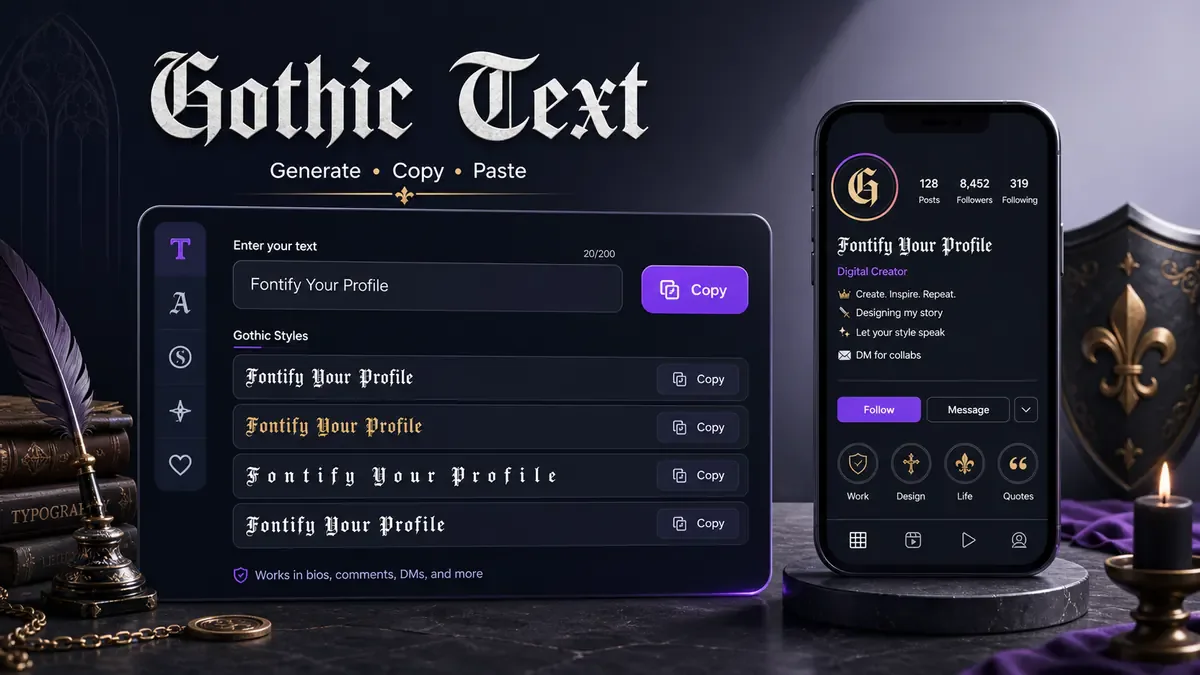
FontifyText turns whatever you type into dozens of those styled versions at once, sorted into 25+ categories for different situations — cursive for a bio, bold for emphasis, gothic for a darker aesthetic, small caps for a cleaner look, and more. You see every option side by side, so you can compare before you commit to one.
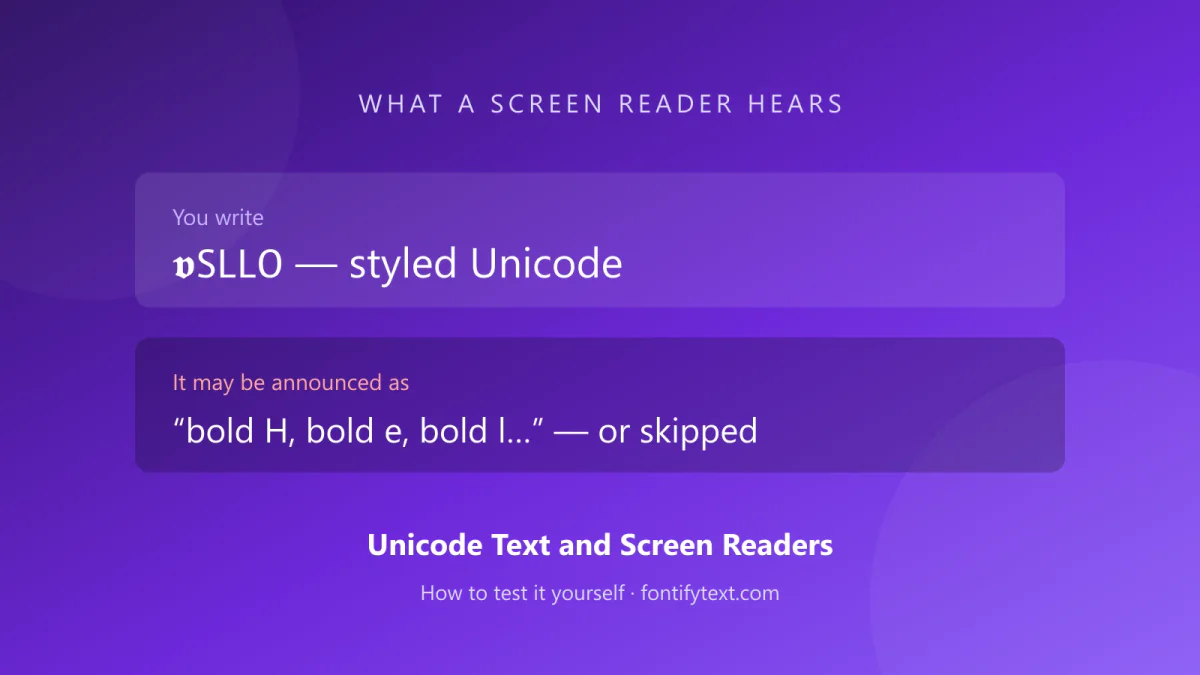
Because these are real Unicode characters and not images or font files, they paste as plain text into almost any input box — social apps, chat clients, documents, even email. The tradeoff is readability: some styles use characters far outside the ones a screen reader or an older device expects, so they can look broken in the wrong place. That's why it's worth previewing a style before pasting it somewhere that matters, like a resume or a work message.
Used well, styled text is a small way to make a profile, username, or line of text stand out without installing anything or creating an account.
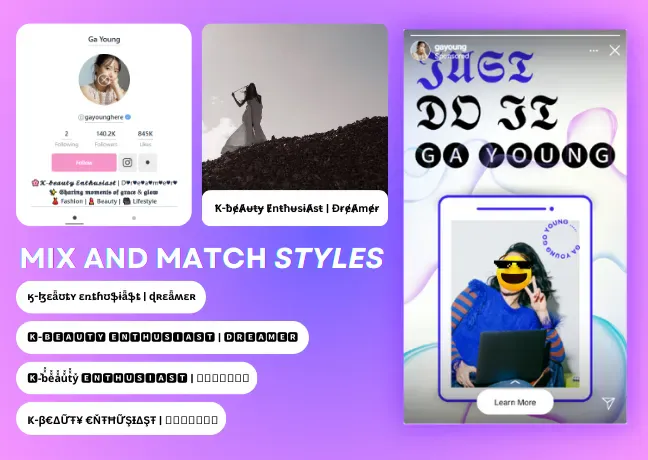
Unicode is the standard that assigns every letter, number, symbol, and emoji in the world's writing systems its own unique code point. It's what lets a device in one country display text typed on a device in another.
Among those thousands of code points are entire alphabets of stylized letterforms — bold, italic, script, double-struck, and more — that were originally designed for math and typesetting notation, not for texting. FontifyText maps your input onto those alphabets, so "hello" can become "𝐡𝐞𝐥𝐥𝐨" or "𝓱𝓮𝓵𝓵𝓸" instantly.
Because each styled letter is still just a Unicode character, it copies and pastes like any other text — no image, no font file, no special app required.
Enter a word or phrase in the box above, then jump to a category if you already know the look you want.
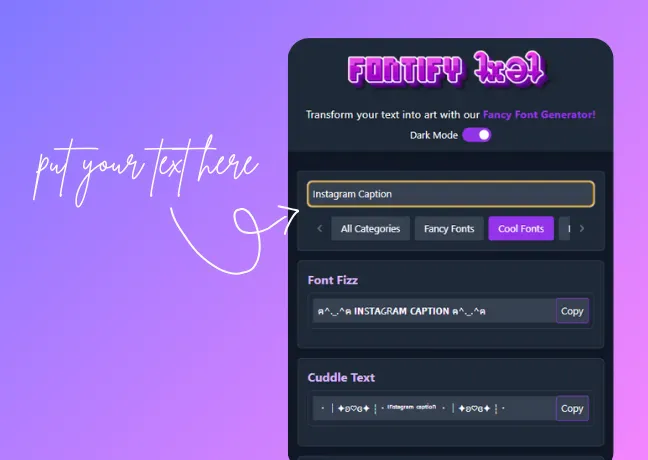
Every style updates live as you type, so you can scan the results and pick the one that fits your bio, caption, or username.
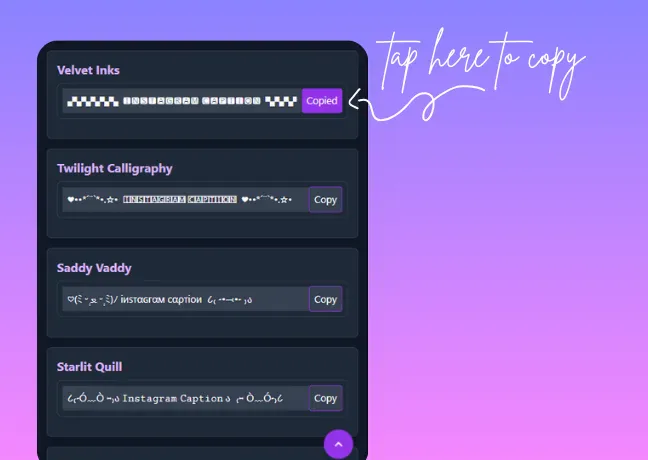
Click copy on the style you want, then paste it wherever you need it — a social profile, a chat, or a design project.
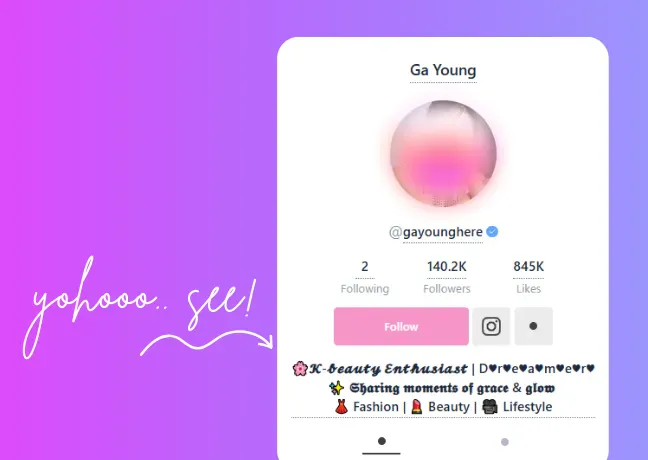
Pro Tip: Mix two styles in the same line — a bold name with a small-caps tagline, for example — for a cleaner look than stacking symbols.
Text transformed with magical and celestial emojis
˚˖𓍢ִ໋ 🦇 ✧˚.🔮⋆ ƑΘƝƬ ƓƸƝƸⱤ𐤠ƬΘⱤ ⋆🔮.˚✧🦇𓍢ִ໋˖˚
Text transformed into a floral style with symbols
💕🌸 𝔽𝕠𝕟𝕥 𝔾𝕖𝕟𝕣𝕒𝕥𝕠𝕣💕🌸
Text transformed with heart symbols
💖💘💞 𝒯𝑒𝓍𝓉 𝒢𝑒𝓃𝑒𝓇𝒶𝓉♡𝓇 💞💘💖
Text transformed with decorative emojis and symbols
。.•*¨*•♬✧ ғoɴт ɢεɴεrαтor ✧♬•*¨*•.。
Swirly-styled text transformation
・:*࿔.ೃ⋆ʄօռȶ ɢɛռɛʀǟȶօʀ⋆.ೃ࿔*:・
Gaming-style text with symbols and emojis
🕹️🎮 𝔉𝔬𝔫𝔱𝔰 𝔊𝔢𝔫𝔢𝔯𝔞𝔱𝔬𝔯 🎮🕹️
Custom symbolic style with alphabets, symbols, and emojis
⁝⁞⁝⁞ʕु•̫͡•ʔु☂⁝⁞⁝⁝ FФИΓ GΞИΞЯДΓФЯ /(=⌒x⌒=)\
Eye-catching fancy text transformation
▞▞▞▞▞▖🅵🅾🅽🆃 🅶🅴🅽🅴🆁🅰🆃🅾🆁▝▞▞▞▞▞
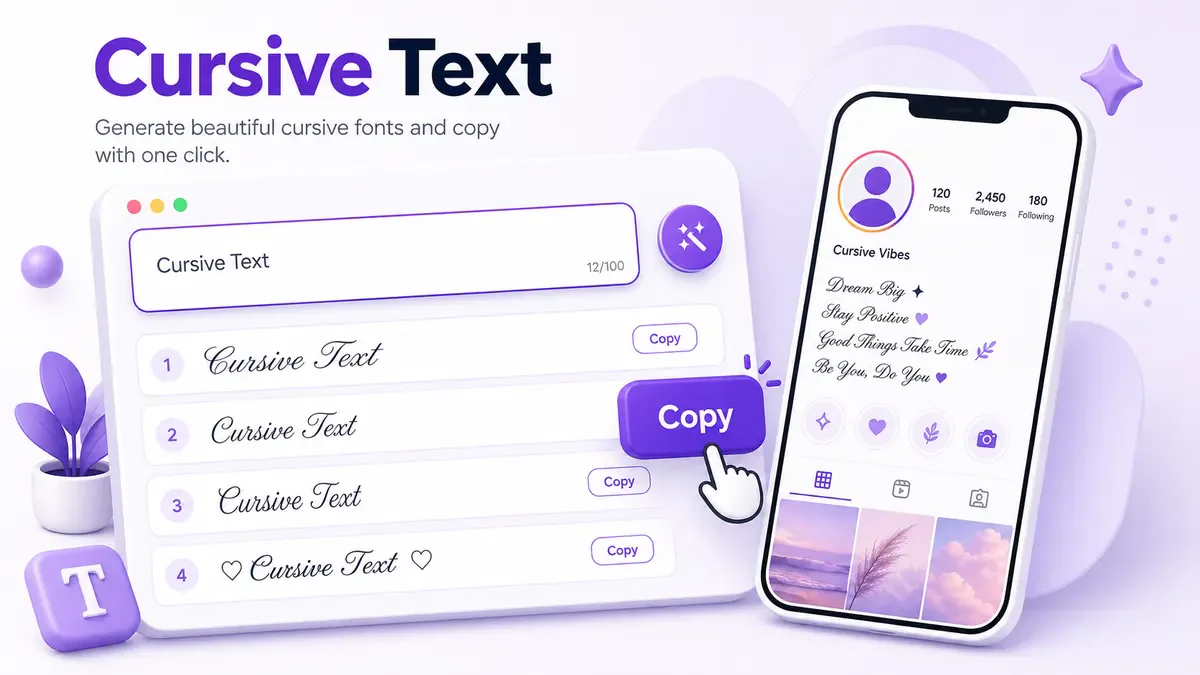
Text converted into cursive, handwritten style
⋆ 。˚ ⋆୨♡୧⋆。˚⋆ 𝓕𝓸𝓷𝓽 𝓖𝓮𝓷𝓮𝓻𝓪𝓽𝓸𝓻 ⋆ ˚。⋆୨♡୧⋆ ˚。⋆
Text converted into small alphabets
【 ❝ ⚘ ✧ ❞ 】 Fₒₙₜ Gₑₙₑᵣₐₜₒᵣ 【 ❝ ⚘ ✧ ❞ 】
Mysterious glitch-style text
( ◜◡༎ຶ) ₣ØŇŦ Ǥ€Ň€ŘΔŦØŘ ( ◜◡༎ຶ)
Stylish and cool text for social media posts
・┆✦ʚ♡ɞ✦ ┆・Fₒₙₜ Gₑₙₑᵣₐₜₒᵣ ・┆✦ʚ♡ɞ✦ ┆・
Scary and creepy text transformation
F̵̨͎͊̽̔͌̐͠͠o̴͍̻̍̈́̄͛̅͗̀̕ǹ̷͇͍̲̙̳̙͕͍́t̷̩̐́̒̕̕͝ ̸͈̠̣̤͉̬̜͗̓̎͛͜G̷̈́͆͜ͅȇ̴̠̺n̶̖͈̄̒͐́̈́͋̕ȅ̸̳̭̤̦̮̮͎̟̓͆̏̏͘
Custom text for Instagram posts and comments
•´¯`•. *✶ 🎀 𝔣𝔞𝔫𝔠𝔶 𝔱𝔢𝔵𝔱 🎀 ✶* .•´¯`•
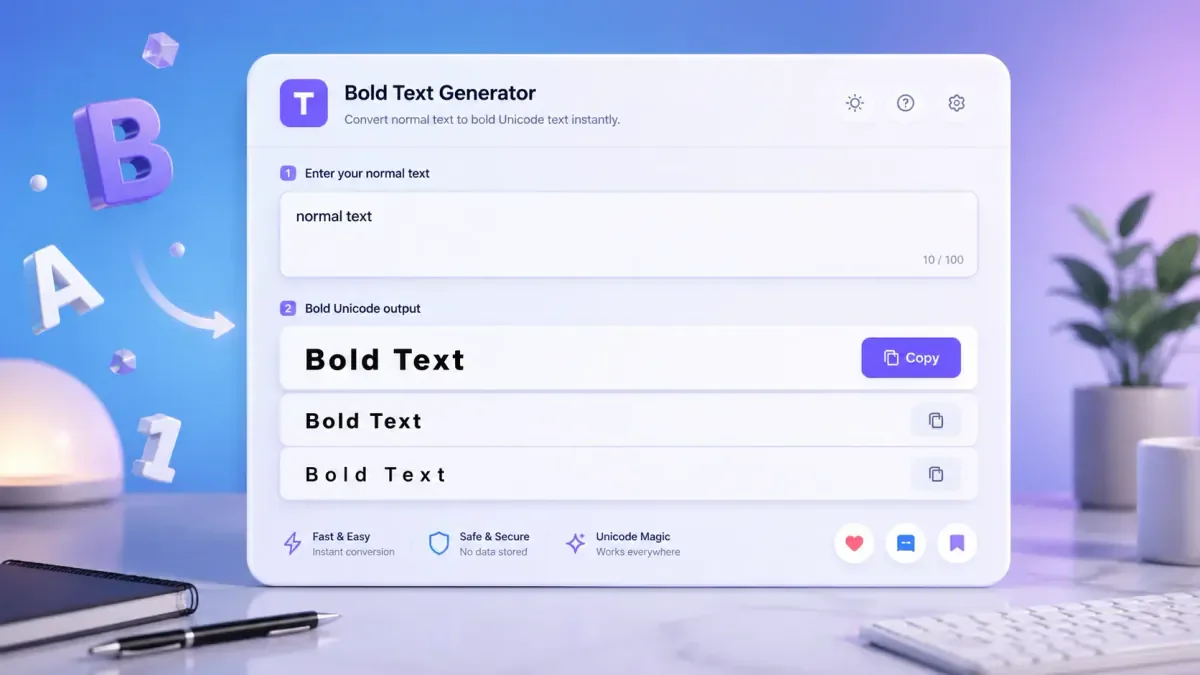
Use bold text to grab attention in various posts and presentations
❰F❱❰o❱❰n❱❰t❱ ❰G❱❰e❱❰n❱❰e❱❰r❱❰a❱❰t❱❰o❱❰r❱
Use a cursed text style to add a feeling of fear and strangeness to content
ƑⰙƝƬ ƓƸƝƸⱤ𐤠ƬⰙⱤ🔥👊💪
Convert text into an elegant and stylish italic style
𝙁̳̎𝙤̳̎𝙣̳̎𝙩̳̎ 𝙜̳̎𝙚̳̎𝙣̳̎𝙚̳̎𝙧̳̎𝙖̳̎𝙩̳̎𝙤̳̎𝙧̳̎
Create unique content with artistic calligraphy-style text
𝔉𝔬𝔫𝔱 𝔊𝔢𝔫𝔢𝔯𝔞𝔱𝔬𝔯
Generate aesthetic text for stylish social media posts and messages
💖´ *•.¸♥¸.•** 𝗙𝗼𝗻𝘁 𝗚𝗲𝗻𝗲𝗿𝗮𝘁𝗼𝗿 **•.¸♥¸.•*´💖
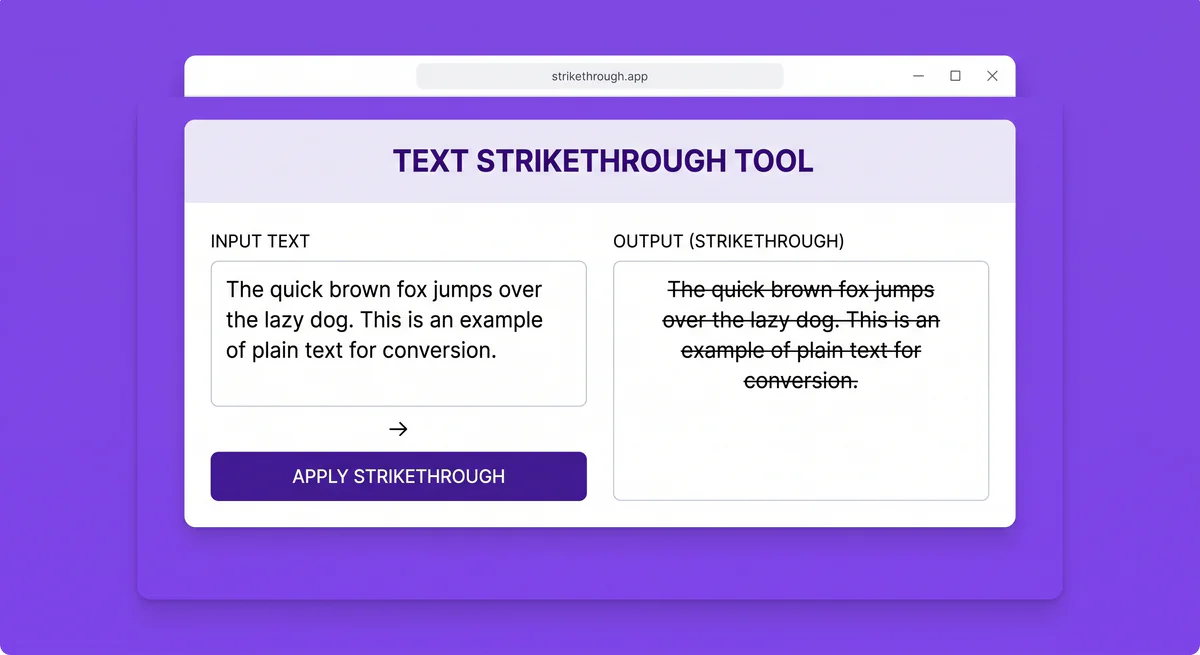
Convert text into a strikethrough style quickly and easily
₣Ø₦₮ ₲Ɇ₦ɆⱤ₳₮ØⱤ
Transform text into a scary, horror-style look for posters and videos
〈〝◉◞︽◟◉〉𝔽𝑜ภ丅 geภeя𝐚丅𝑜я ( ͡ᵔᵔ ͜ʖ ͡ᵔᵔ )
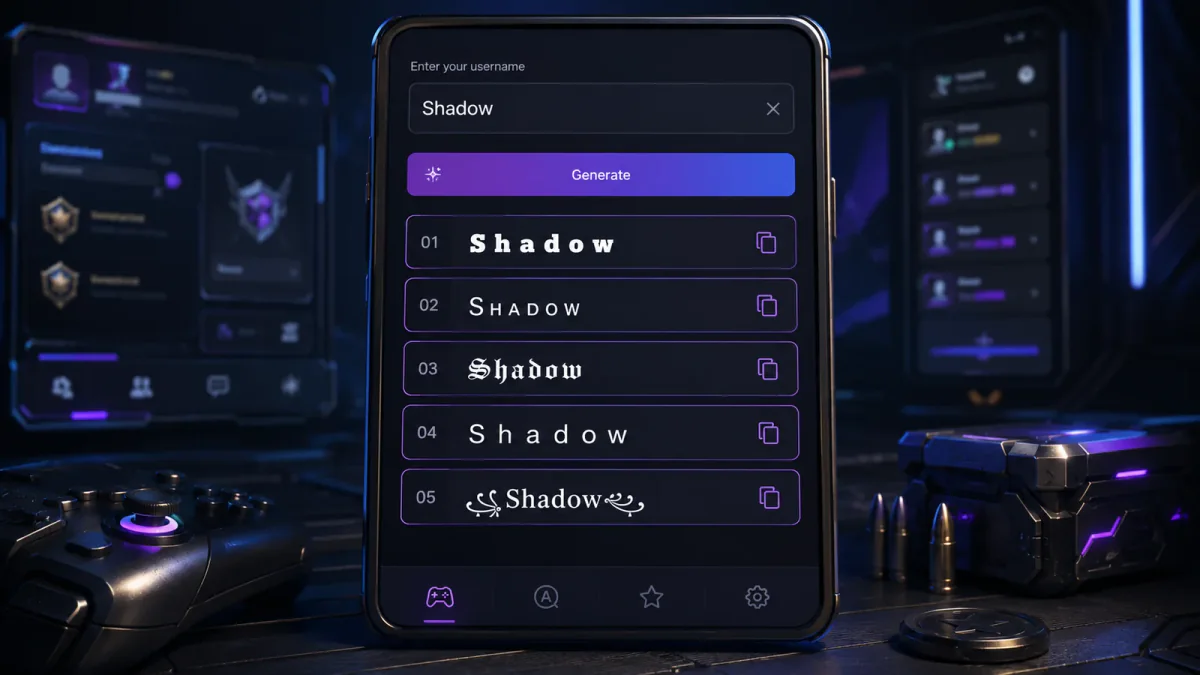
Generate dark, gothic-style text for unique usernames and profiles
༺♡༻ ғO𝔫𝓽 G𝓔𝓝𝔢ʳ𝔞𝕥σŘ ༺♡༻
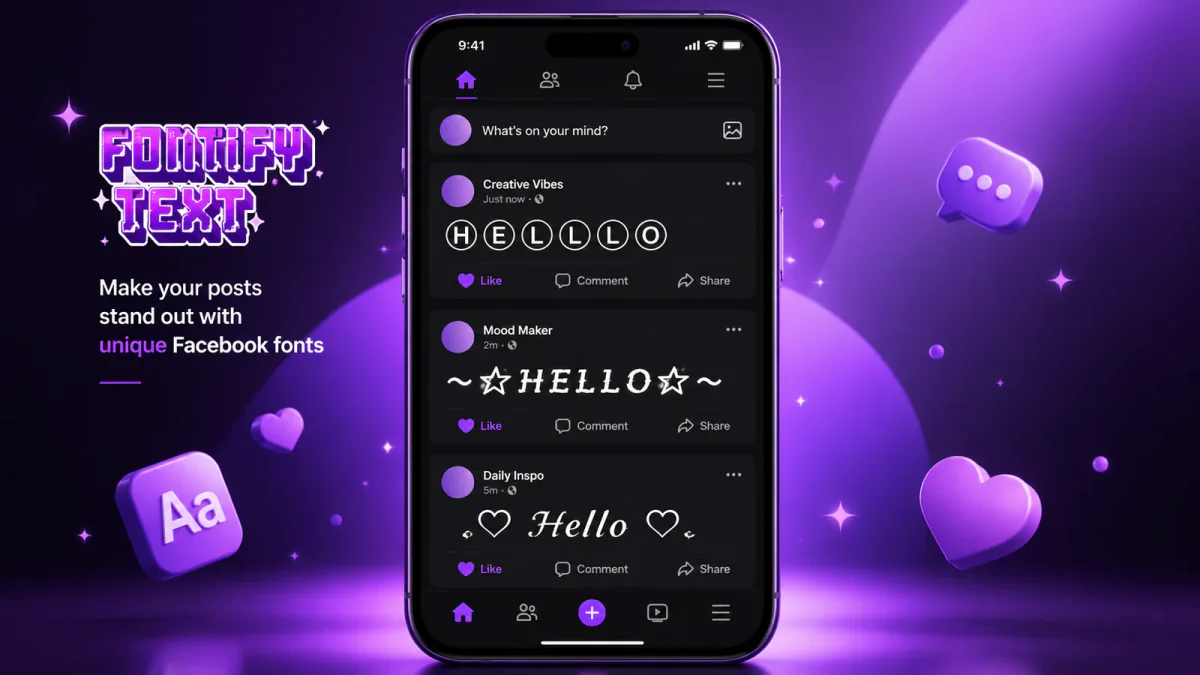
Create stylish text with emojis for Facebook posts and profiles
🥀💘 🅕🅞🅝🅣 🅖🅔🅝🅔🅡🅐🅣🅞🅡 💘🥀
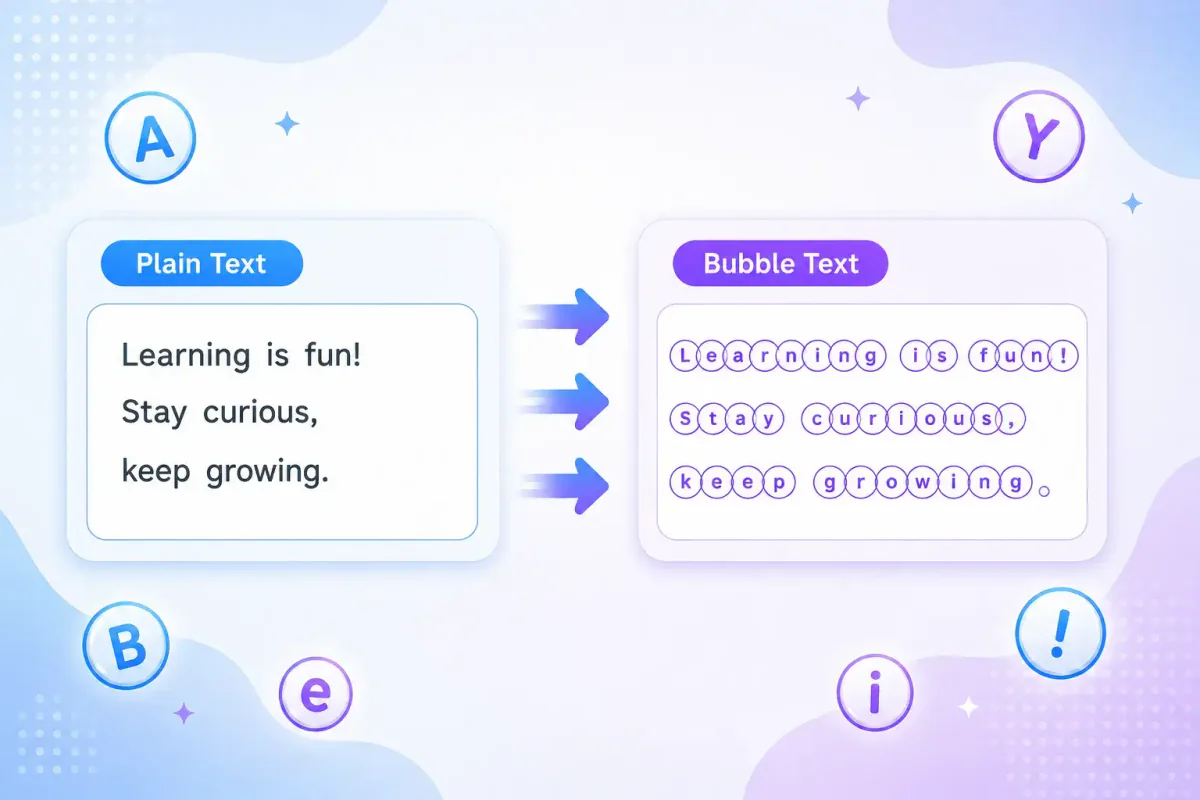
Transform simple text into stylish bubble-style letters
–°。⋆˚⁺⚬✮°。⋆˚⁺⚬ 🅕🅞🅝🅣 🅖🅔🅝🅔🅡🅐🅣🅞🅡 ⚬⁺˚⋆。°✮⚬⁺˚⋆。°–
Create unique and stylish text for tweets and bios
*•.¸♡ ♡¸.•*' 🄵🄾🄽🅃 🄶🄴🄽🄴🅁🄰🅃🄾🅁 '*•.¸♡ ♡¸.•*
Generate bold, italic, and underlined text for Discord
🎂 🎀 𝒴💮𝓊𝓇 𝒯𝑒𝓍𝓉 🎀 🎂
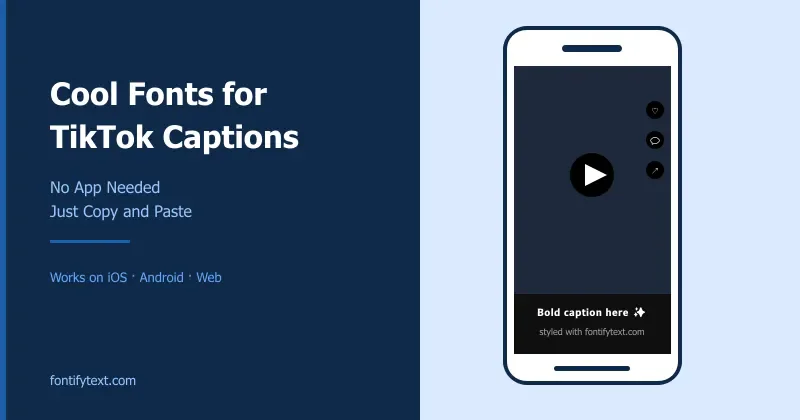
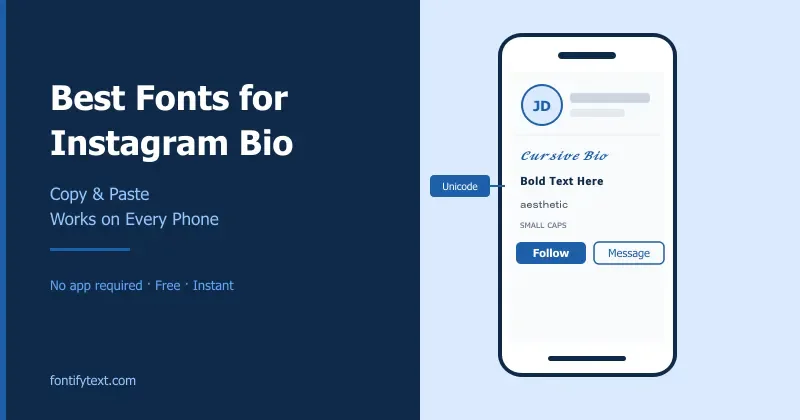
Social media is one of the biggest tools that people are using nowadays. We see a lot of people using these fonts to make captions for their TikTok videos and bios. LinkedIn users are using in their bios to Flair. Stylized characters in Instagram bios and stories are now getting popular.
We have seen that people are using these special characters and symbols to make themselves an influencer brand on social media. Isn't that cool?
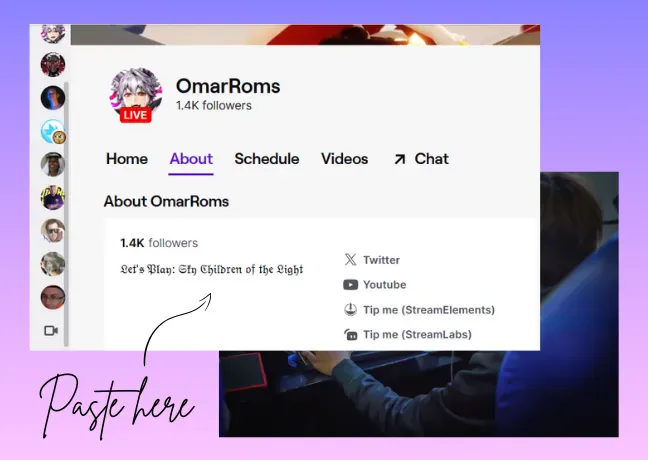
Gamers use styled text for cover pages, logos, and branding. Twitch and Steam streamers use it to build a distinctive look for their channel.
Game developers and designers use special characters too. It shows up almost everywhere in gaming.
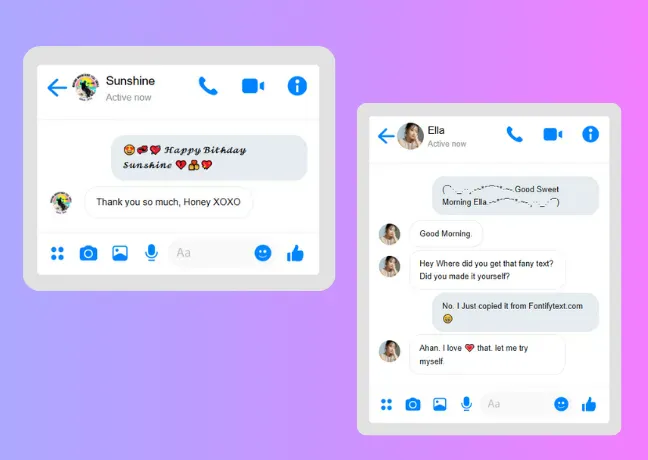
Styled text adds a personal touch to everyday messages. For example, a simple ''Happy birthday'' becomes 🄷🄰🄿🄿🅈 🄱🄸🅁🅃🄷🄳🄰🅈 with one copy-paste.
Users of the Fontify text generator have a common point which is ''attention grabbing'' that is what the e-commerce platform needs. Users are creating unique branding in their marketing, websites, product titles, and descriptions.
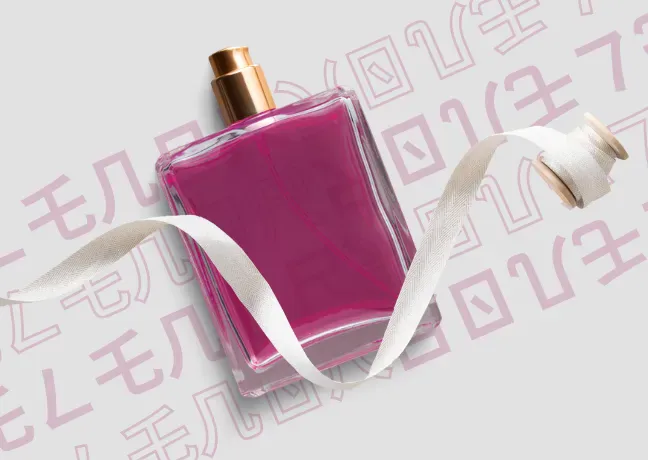
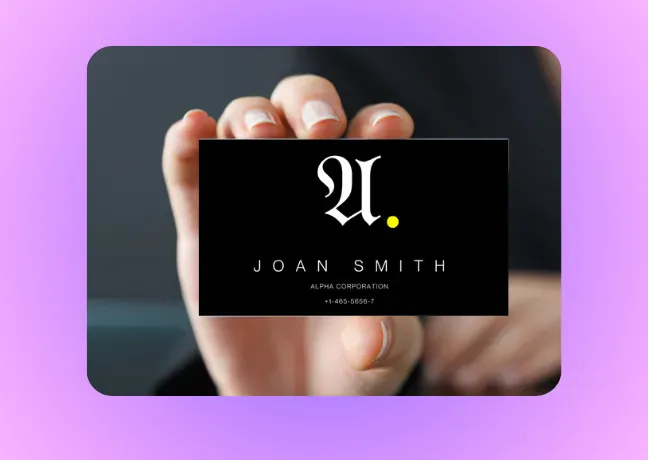
Designers use styled text for logos, business cards, and brand identity — it can convey a brand's personality more clearly than a plain typeface.
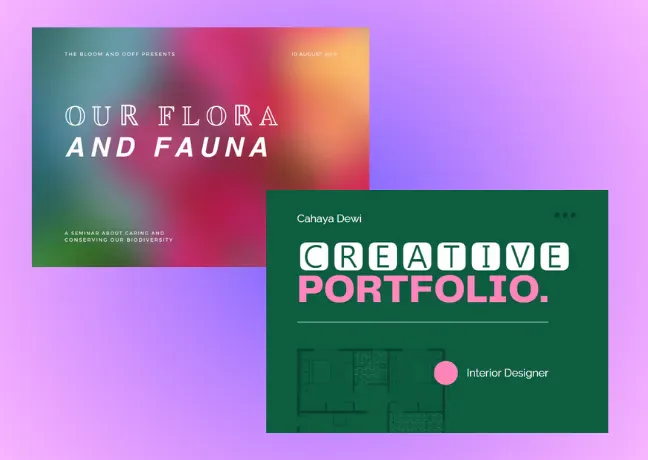
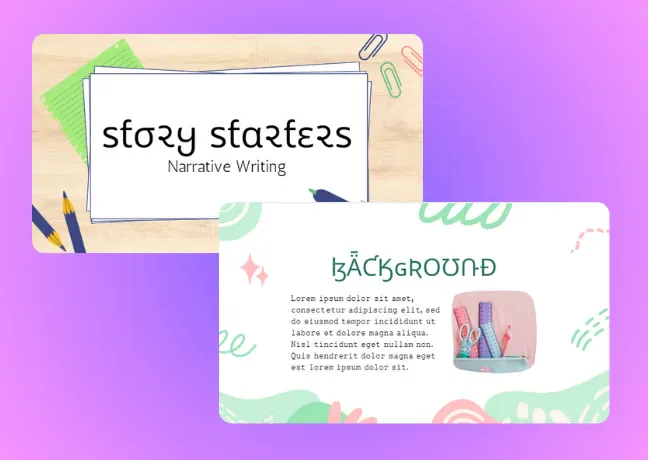
Styled headers can make slide titles pop and give a deck a more polished, intentional feel.
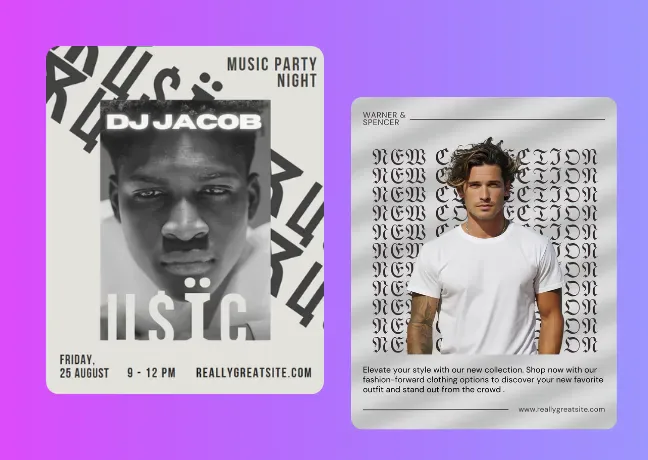
Stylish and whimsical thumbnail designs are the main strategy to grab the audience's attention to get clicks and views on videos. Many Content creators make their Facebook reels, TikTok videos, Pinterest video Pins, and idea pins more engaging.

Many professionals are using stylized fonts in their email signatures to create an impression on recipients. Using different font styles can highlight the key information in your email signature.
Canva users copy and paste these fancy fonts to personalize artwork, enhance scrapbooks, create custom DIY crafts, digital design invitations, and make designs more memorable.
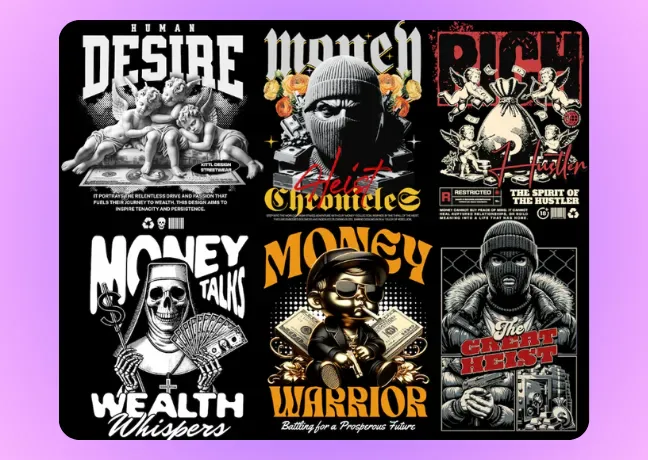
Fancy fonts in social media ads pop out in crowded feeds. It gives a creative touch in ads making it more updated and fashionable.
Users of the Fontify text generator often use fancy text in creating headlines and titles in Google Docs and Google Sheets. Fancy fonts can be used to highlight key points, quotes, or important sections.
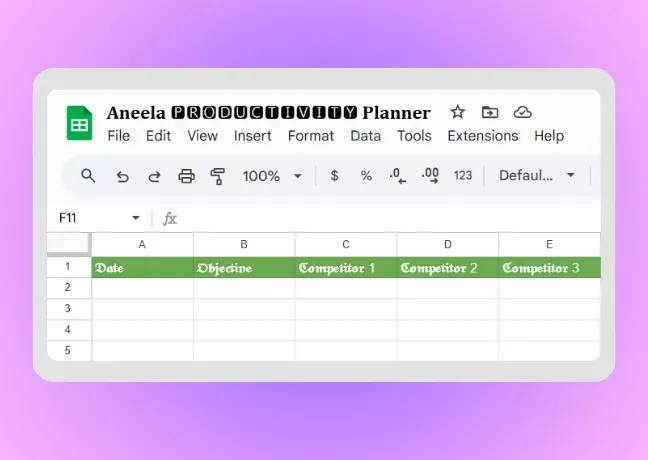
Teachers can style titles to emphasize key points in projects and presentations. Students can use special characters to make notes stand out.
Discover our latest articles and stay updated with the newest font and style trends.
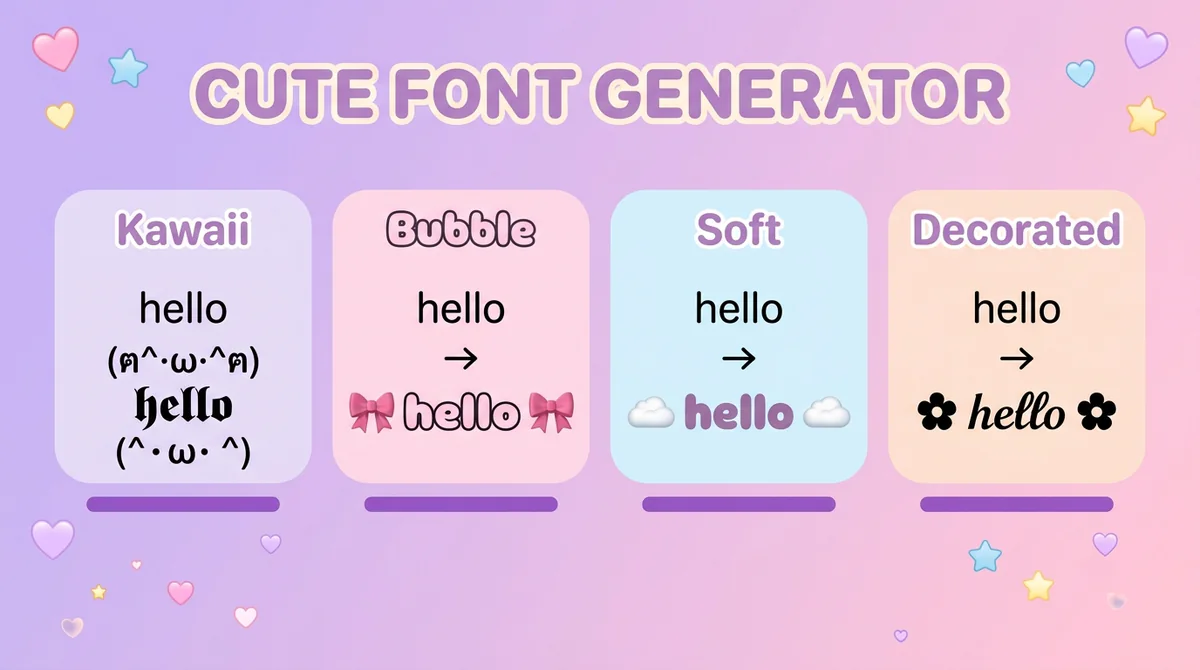
Aesthetic Text
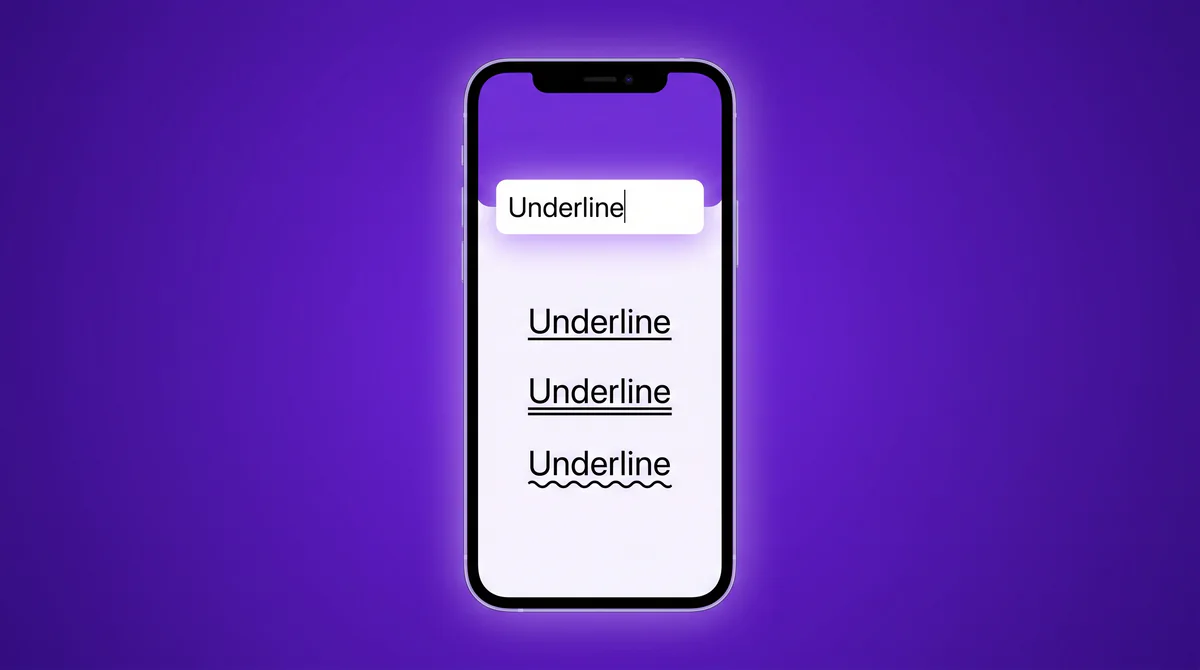
Unicode Text
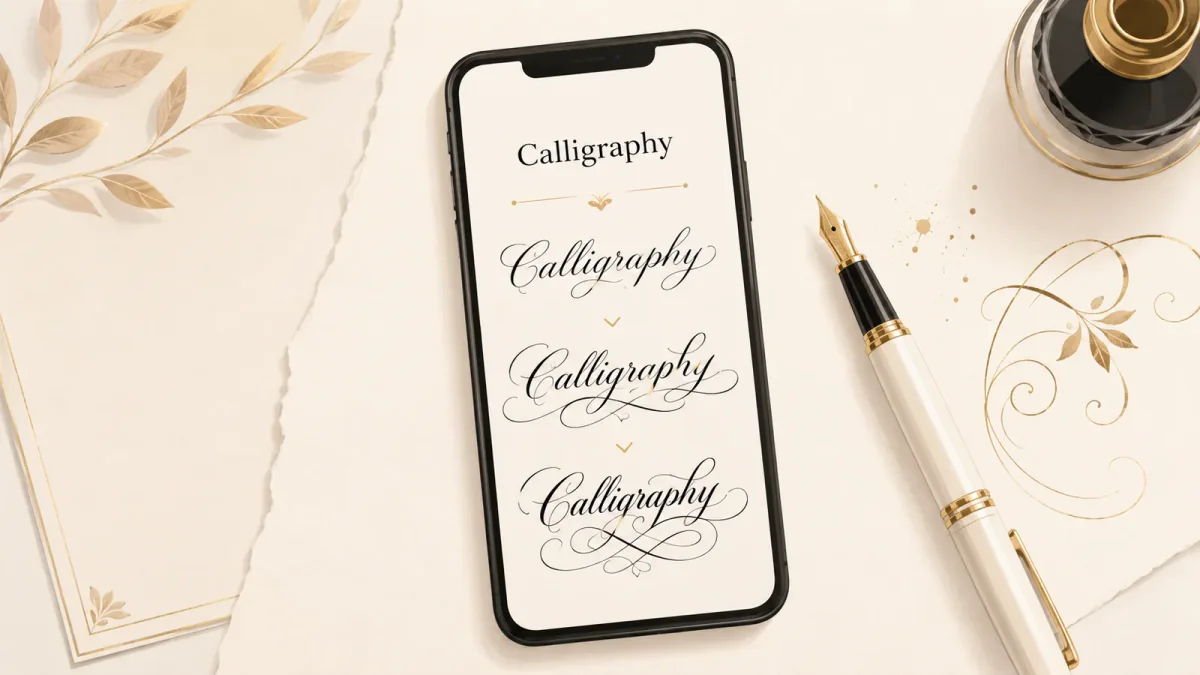
Elegant Text
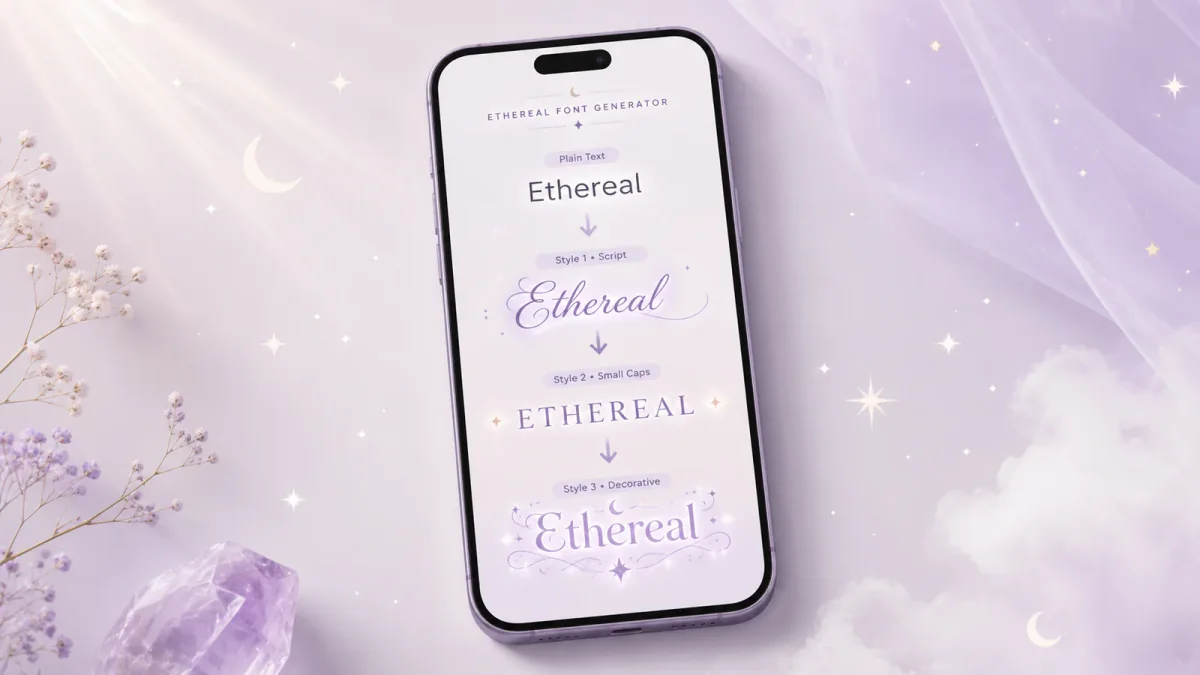
Aesthetic Text

Font Generator Comparisons
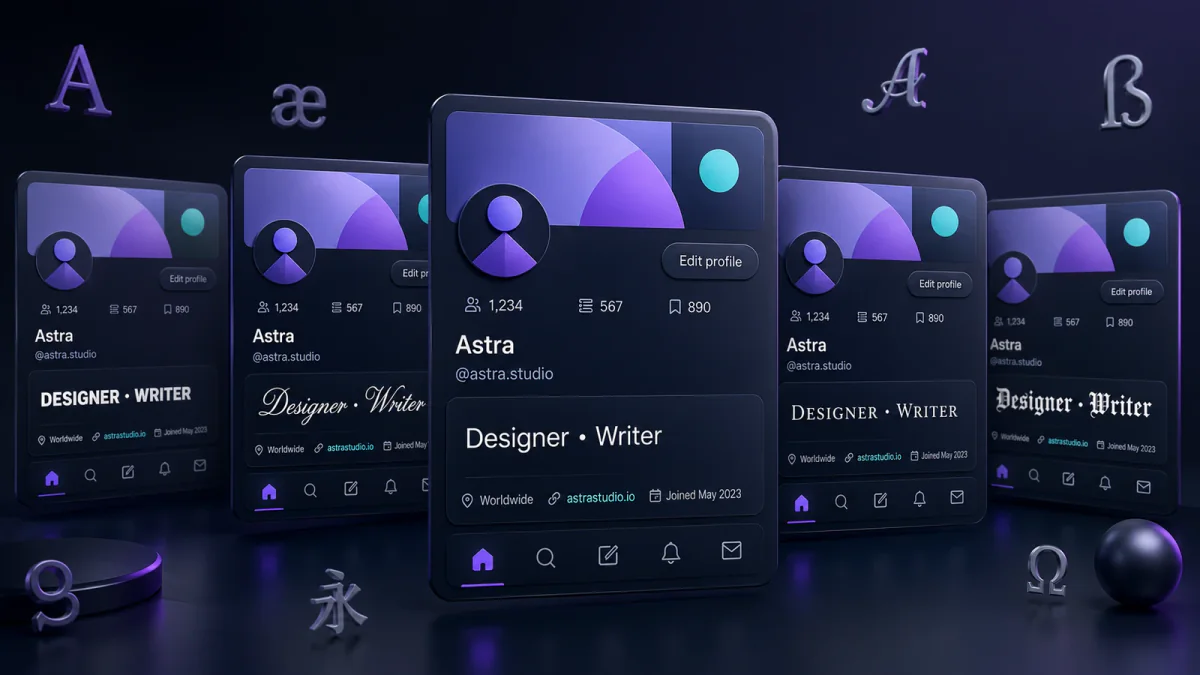
Social Media Fonts
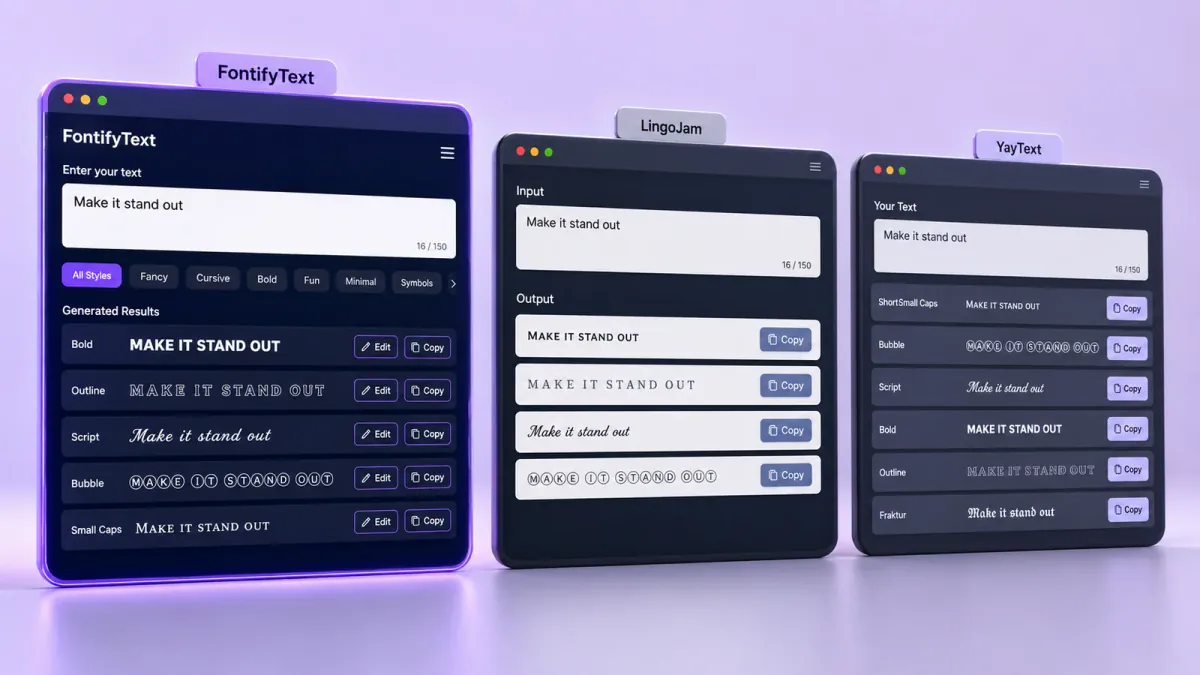
Font Generator Comparisons

Unicode Fonts
Social Media Fonts
Social Media Fonts
Aesthetic Text
Text Generator / Unicode Fonts / Social Media Tools
Social Media
Artistic Projects and Crafts