
Unicode Text
How to Underline Text Anywhere — Unicode Guide
How Unicode underline works, which apps show it, which have their own underline button, and how to fix marks that land wrong.
Contents
- What Unicode Underline Actually Is
- How Unicode Underline Actually Works
- Seven Underline Marks, and Where to Get Each
- Choosing a Mark, and Pasting It on a Phone
- Where Underlined Text Works
- Native Underline Options by App
- Smart Ways to Use Underlined Text
- What the Generator Does and Does Not Touch, Tested
- Fix Underline Text That Looks Broken
- FAQ — Underlining Text with Unicode
- Conclusion
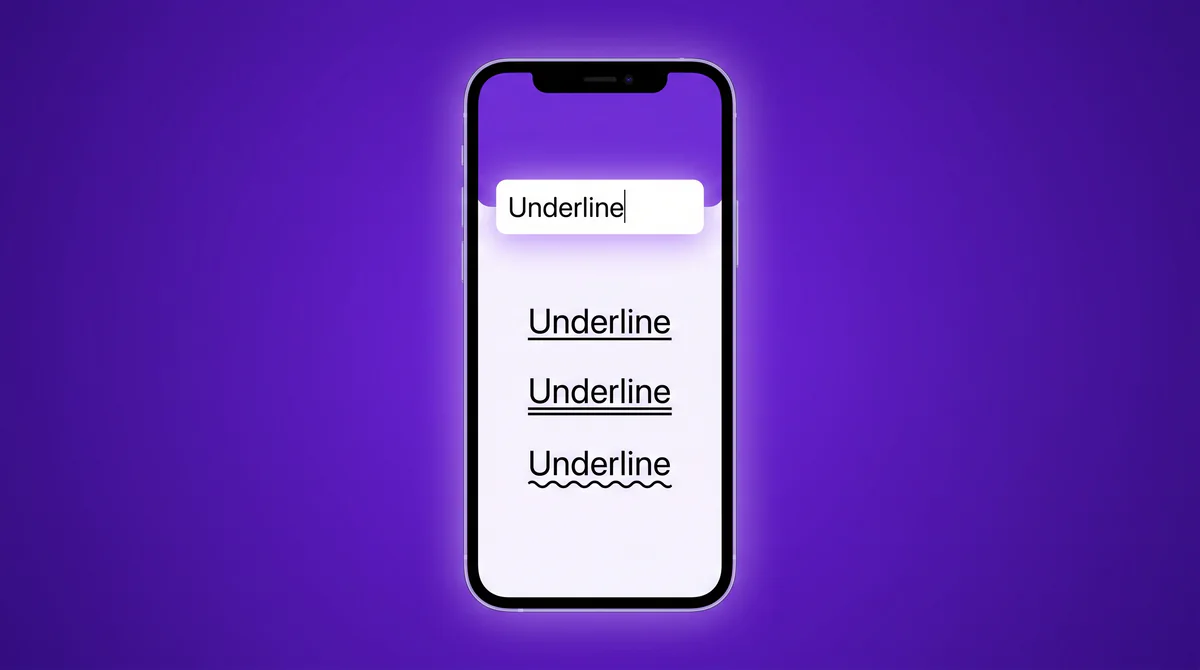
Instagram bios, TikTok captions, WhatsApp messages and X posts have no underline button. Ctrl+U does nothing in any of them. The way round it is not formatting at all: it is a Unicode combining mark that becomes part of the character, so the line travels with the text wherever it is pasted.
This page explains how that works, which apps display it, which apps have their own underline worth using instead, and what to do when the line lands in the wrong place. If you only want to copy some underlined text, the underline text generator does that in two taps — come back here when something looks wrong.
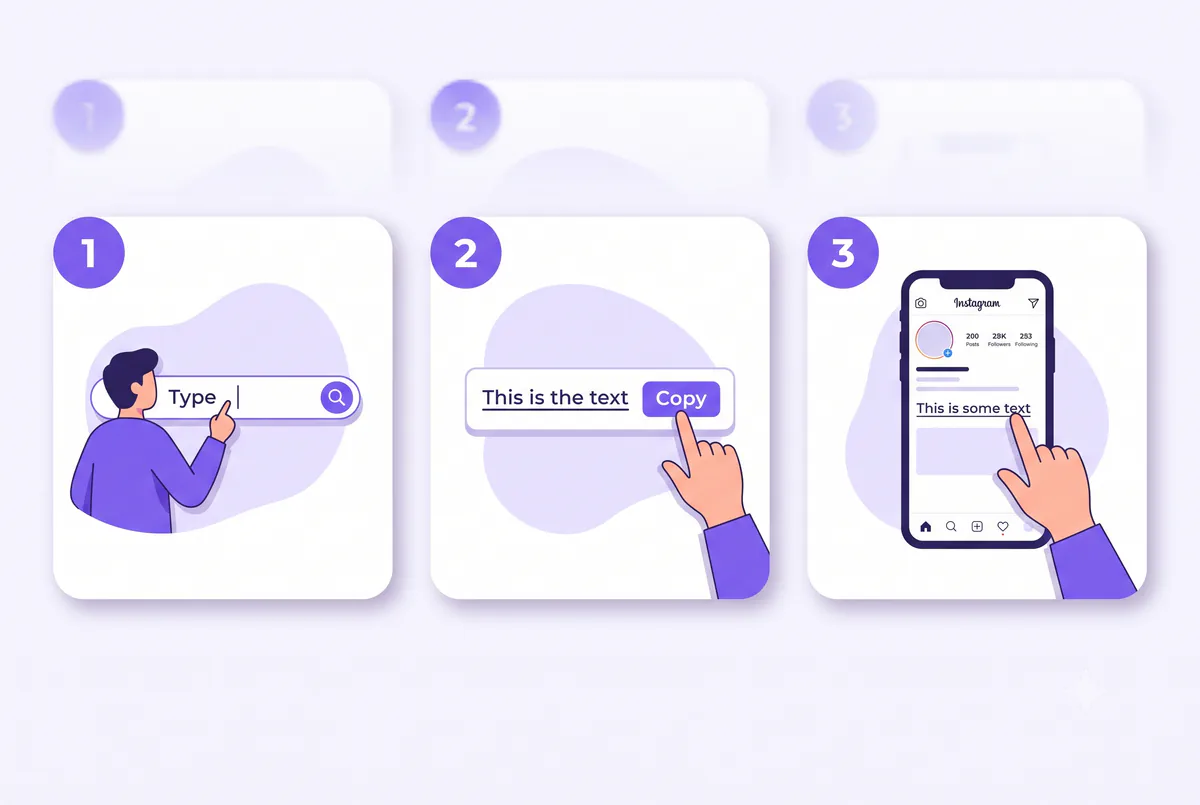
Quick steps:
- Open the underline text generator
- Type or paste your text in the input bar
- Pick a style — single, double, dotted, wavy, or more
- Tap Copy
- Paste it into your bio, caption, message, or username
That is the whole process. The rest of this guide covers how the trick works, every style you can copy, exactly where it displays correctly, and how to fix it when a platform mangles it — the details most tools skip.
What Unicode Underline Actually Is
An underline text generator converts normal letters into Unicode text that carries its own underline. Instead of formatting applied on top of text (like the underline button in Word), the line becomes part of each character.
Regular formatting disappears the moment you paste text into an app that strips styling. Unicode underline does not, because there is no styling to strip — you are pasting characters, and the line is baked into them.
Example: type Link in bio into the generator and you get L̲i̲n̲k̲ ̲i̲n̲ ̲b̲i̲o̲. Paste that into an Instagram bio and the underline stays, even though Instagram has no underline feature at all.
How Unicode Underline Actually Works
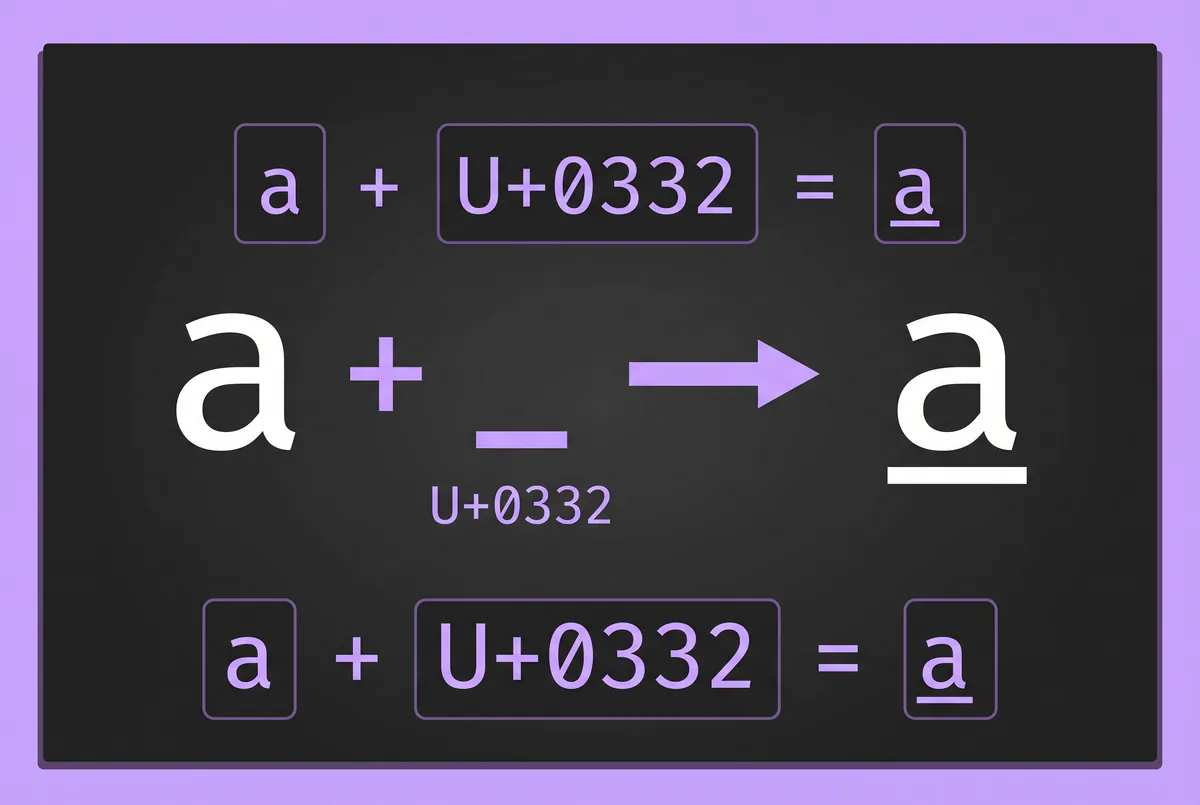
This is the part most underline tools never explain. The generator does not use a special "underlined alphabet." It uses combining characters — invisible Unicode marks that attach to the letter before them.
The main one is U+0332, the combining low line. Place it after any letter and a short line renders under that letter:
a + U+0332 = a̲
The generator inserts one combining mark after every letter in your text. Different marks create different looks: U+0333 draws a double line, U+0330 a wavy tilde, U+0324 a dotted line. All of them live in Unicode's official Combining Diacritical Marks reference chart, the same system languages use for accents like é and ñ.
Letters, and only letters. Type a b50! into the generator and you get back a̲ b̲50! — the space, the digits and the exclamation mark come through bare. That is worth knowing before you paste, because it means the line is not continuous: it is a short segment under each letter, with a gap wherever a word ends. CSS draws one rule across the whole phrase; this cannot.
Because it is standard Unicode, it renders in any app with decent font support — which today means nearly every major platform on iPhone, Android, and desktop.
One honest caveat competitors rarely mention: screen readers can announce combining marks awkwardly or skip words entirely. Keep underlined Unicode to short decorative phrases — a name, a heading, one keyword — not full paragraphs, so your text stays readable for everyone.
Seven Underline Marks, and Where to Get Each
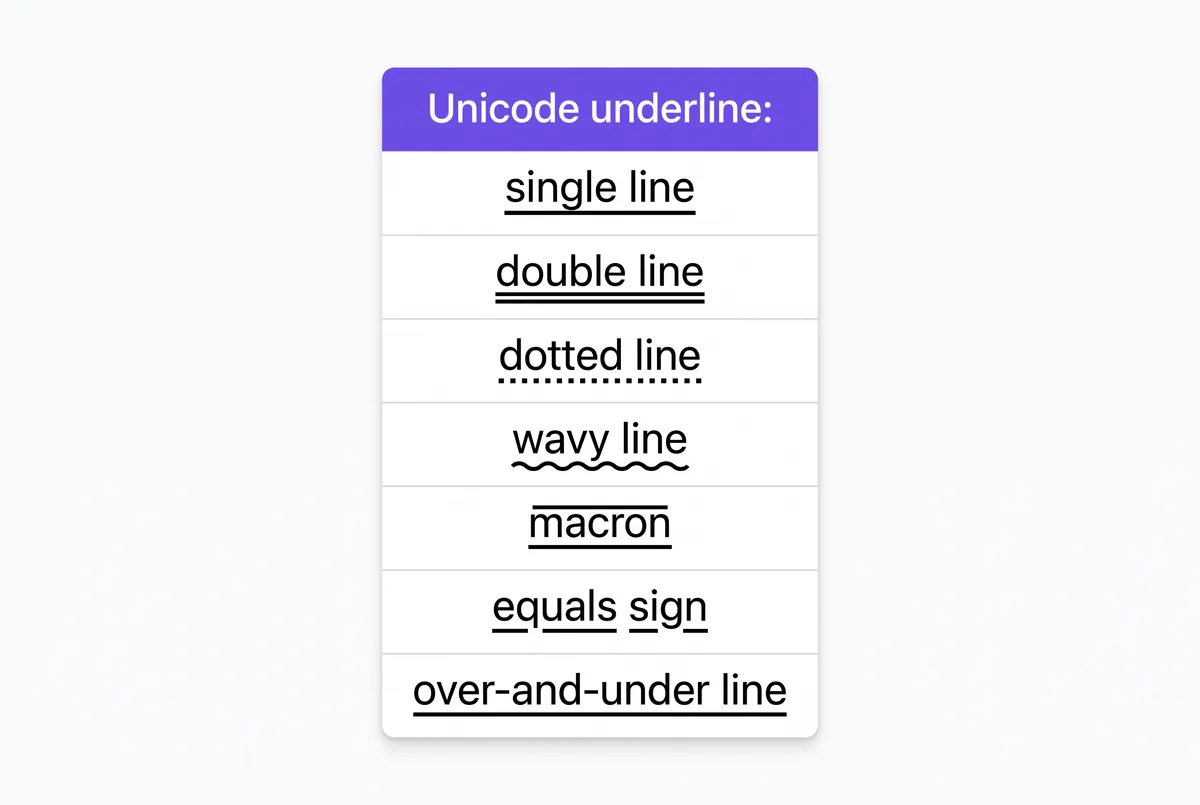
Every sample below is copyable from this page as it stands. Five of these marks are also in the generator, which applies them to your own words and offers three more besides — bold, italic and script underline. Macron below and equals underline are not in the generator, so if you want those, copy the samples here and replace the letters.
| Style | Sample | Best for |
|---|---|---|
| Single underline | Y̲o̲u̲r̲ ̲T̲e̲x̲t̲ ̲H̲e̲r̲e̲ | Bios, links-style text, names — the safest, cleanest option |
| Double underline | Y̳o̳u̳r̳ ̳T̳e̳x̳t̳ ̳H̳e̳r̳e̳ | Strong emphasis, announcements |
| Wavy underline | Y̰o̰ṵr̰ ̰T̰ḛx̰t̰ ̰H̰ḛr̰ḛ | Aesthetic bios, playful captions |
| Dotted underline | Y̤o̤ṳr̤ ̤T̤e̤x̤t̤ ̤H̤e̤r̤e̤ | Soft emphasis, cute profiles |
| Macron below | Y̱o̱u̱ṟ ̱Ṯe̱x̱ṯ ̱H̱e̱ṟe̱ | Thin, subtle underline look |
| Equals underline | Y͇o͇u͇r͇ ͇T͇e͇x͇t͇ ͇H͇e͇r͇e͇ | Bold double-track style |
| Over + under line | Y̲̅o̲̅u̲̅r̲̅ ̲̅T̲̅e̲̅x̲̅t̲̅ ̲̅H̲̅e̲̅r̲̅e̲̅ | Framed, boxed-in headers |
Practical example: a small clothing brand posting a story sale could write s̲a̲l̲e̲ e̲n̲d̲s̲ t̲o̲n̲i̲g̲h̲t̲ — the underline reads like a clickable link, which naturally pulls taps toward the link sticker below it.
The samples in the table above are hand-built, so their spaces carry marks too and the line looks unbroken. The generator does not do that, which is why the example here is letters only. If you want an unbroken line across a space, copy a sample from the table and type over the letters.
Single underline renders most reliably across devices. The fancier the mark, the more likely an older device shows slight misalignment — so test double, wavy, and dotted styles on your own phone before posting.
Choosing a Mark, and Pasting It on a Phone
The generator handles the mechanics — type, compare, copy. Two decisions it cannot make for you:
Which mark. Single underline is the one to reach for by default: it is the plainest shape, so it is the least likely to collide with a descending letter like g or p. The more elaborate the mark, the more a reader's font has to get right. For a username or a bio line, where the text is small and the reader's device is unknown, single underline wins almost every time.
Pasting it. On a phone the awkward part is the paste, not the copy — long-press, wait for the menu, and some apps strip the selection if you tap twice. If that is where it goes wrong, copying and pasting fonts on iPhone and Android covers it properly.
A worked example: a Discord admin wanting a rules header types Server Rules, copies the double underline version S̳e̳r̳v̳e̳r̳ ̳R̳u̳l̳e̳s̳, and pastes it at the top of the channel. No Nitro, no bots, and no markdown — which matters because Discord's own underline does not work in a channel name at all.
Where Underlined Text Works
Unicode underline works in most places, but not identically everywhere. Here is the honest picture:
| Platform | Bios / Names | Posts / Captions | Notes |
|---|---|---|---|
| ✅ | ✅ | Works in bio, captions, comments, stories text | |
| TikTok | ✅ | ✅ | Bio and captions display it; keep it short |
| ✅ | ✅ | Works in messages, status, and About text | |
| Discord | ✅ | ✅ | Works everywhere; native __underline__ also exists |
| ✅ | ✅ | Posts, comments, and bio all render it | |
| X (Twitter) | ✅ | ✅ | Display name, bio, and posts |
| YouTube | ✅ | ✅ | Comments, channel description, video titles |
| ⚠️ | ⚠️ | Renders, but use sparingly — heavy Unicode can hurt searchability of your name | |
| Search fields | ⚠️ | ⚠️ | Underlined text is not the same characters as plain text, so it may not match in-app search |
Two takeaways from this table. First, underlined n̲a̲m̲e̲ is technically different characters from plain name. People searching your exact username may not find the styled version, so underline your display name and keep your handle plain. Second, if a platform strips the marks, it simply falls back to your plain text — nothing breaks, the styling just disappears.
Native Underline Options by App
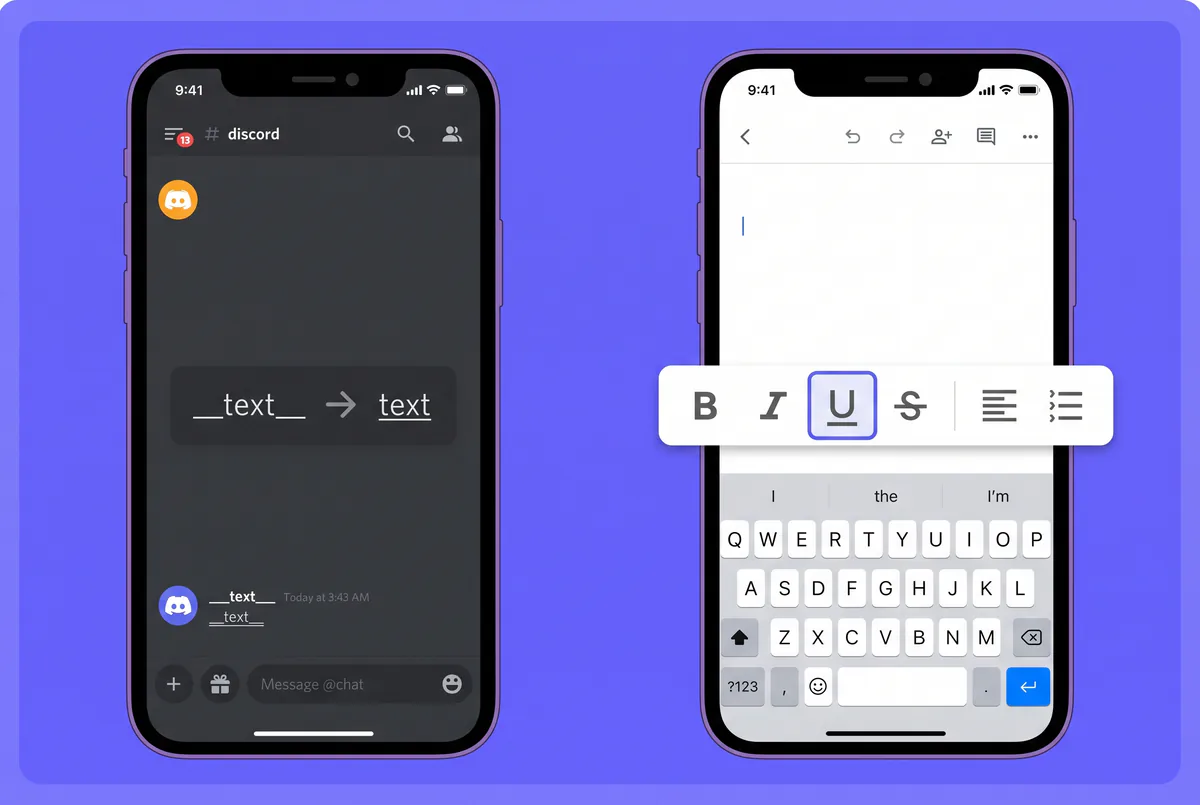
A few apps do have a built-in underline. When a native option exists, it is cleaner for long text — use the generator for everywhere else.
- Discord: wrap text in double underscores —
__like this__— and it renders underlined. The Unicode version is still useful for usernames and channel names where markdown does not apply. - Google Docs / Word / email clients: press Ctrl+U (Windows) or Cmd+U (Mac). This is real text formatting and the right choice inside documents.
- Websites and apps you are building: use CSS. The
text-decoration: underlineproperty renders a true underline that stays crisp on every device — never paste combining-mark text into production UI. - WhatsApp, Instagram, TikTok, X: no native underline exists on any of these. WhatsApp supports bold, italic, and strikethrough shortcuts, but not underline — the generator is the only way.
Rule of thumb: native formatting inside documents and code; Unicode underline inside social bios, captions, chats, and usernames where no button exists.
Smart Ways to Use Underlined Text
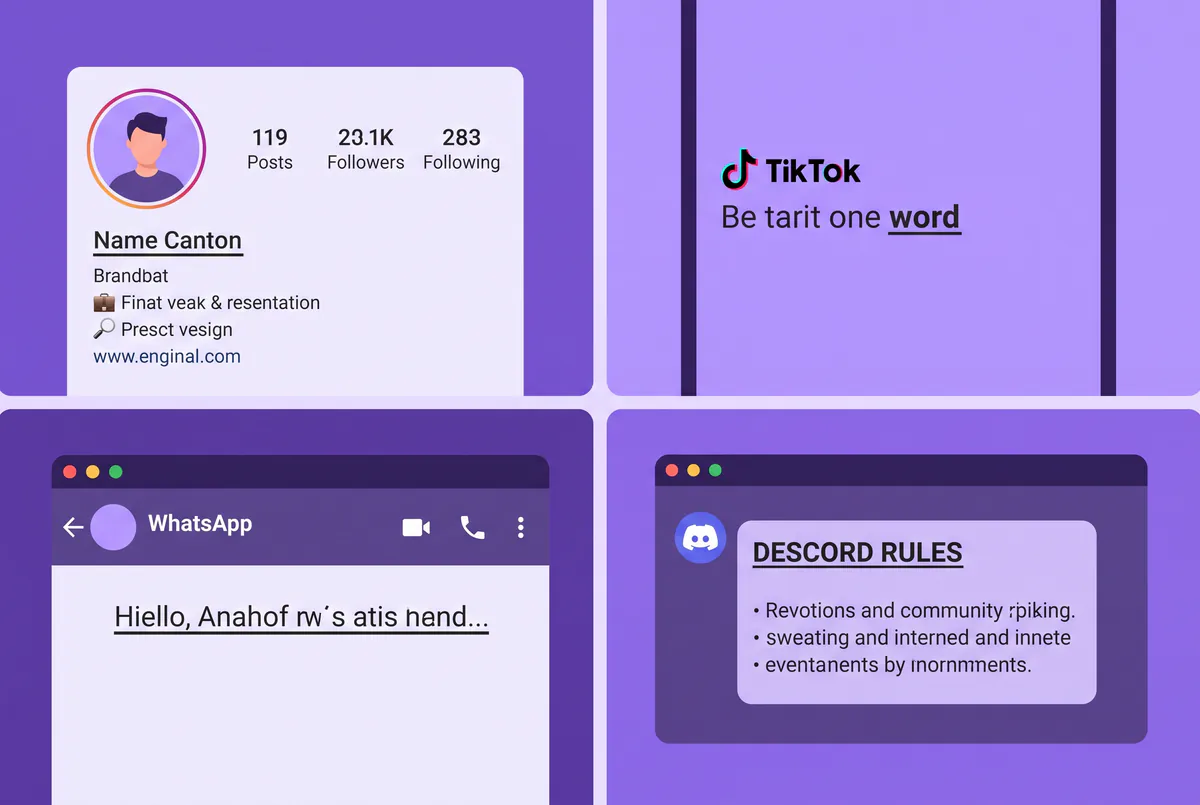
The style works best when it does a job, not when it covers everything. Some real uses:
- Link-style bios:
L̲i̲n̲k̲ ̲i̲n̲ ̲b̲i̲o̲ ̲⬇mimics a hyperlink and draws the eye straight to your actual link. - One-word emphasis in captions: underline the single word that matters —
drop is f̲r̲i̲d̲a̲y̲— instead of shouting in caps. - Section headers in Discord and Telegram: underlined lines split long announcement messages into scannable chunks.
- WhatsApp status:
n̲e̲w̲ ̲n̲u̲m̲b̲e̲r̲,̲ ̲s̲a̲v̲e̲ ̲i̲t̲stands out in a status list full of plain text. - Titles in notes apps: underlined headings organize notes in apps that lack formatting.
Keep it to one to three words per block of text. A fully underlined paragraph reads like spam, triggers the "why isn't this link clickable" reflex, and gets harder for screen readers. For stronger emphasis across a whole line, pair one underlined phrase with bold fonts or italic fonts instead of underlining everything.
What the Generator Does and Does Not Touch, Tested
Eight inputs were put through the generator on 15 October 2026 and the output read back character by character, rather than looked at. The results are consistent and worth knowing before you paste something important.
| Input | What came back | Why |
|---|---|---|
hello world | h̲e̲l̲l̲o̲ w̲o̲r̲l̲d̲ — ten marks for ten letters | the baseline |
HELLO WORLD | same, ten marks | case makes no difference |
0123456789 | unchanged, no marks at all | the generator marks letters only |
a b c | three marks, spaces bare | so the line breaks at every word gap |
g,j;p. (q)! | four marks — only g, j, p, q | punctuation is left alone |
hi 🙂 there | seven marks, emoji bare | an emoji is not a letter |
| a line break | cannot be entered | the input is a single-line field |
| already-underlined text | marks stack on top of the old ones | re-running is not idempotent |
Three practical consequences:
- Numbers and symbols stay plain. A price, a date or a phone number will come out half-underlined. If the whole string has to look underlined, copy a sample from the table further up this page and type over the letters.
- The line is not continuous. Each letter carries its own short segment, so a space leaves a visible gap. CSS draws one rule across the phrase; combining marks cannot.
- Five of the eight styles keep your letters; three replace them. Classic, double, wavy, dotted and boxed add a mark to ordinary letters. Bold, italic and script swap each letter for a Unicode lookalike first —
abecomes𝗮— which is why those versions may not match an in-app search for the plain spelling. The boxed style uses two marks per letter, so it costs twice as much of a character limit.
Fix Underline Text That Looks Broken
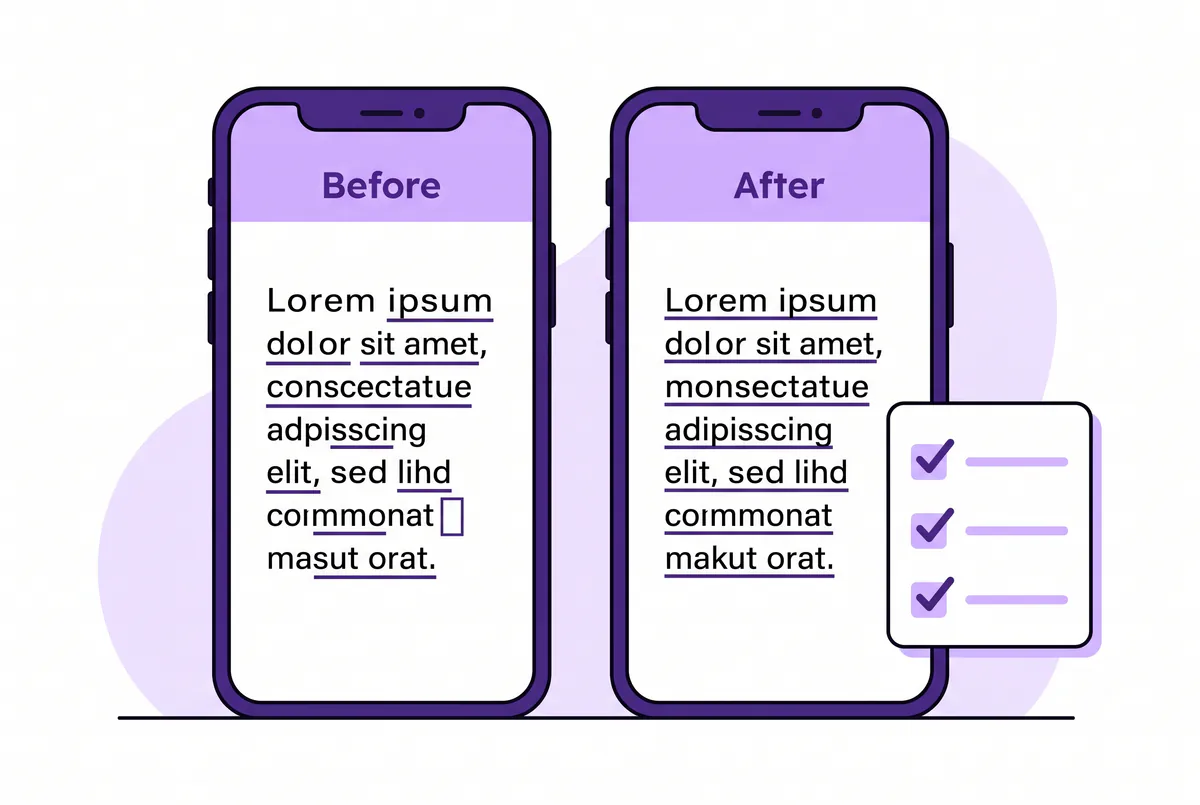
Combining marks depend on the viewer's device fonts, so occasionally things look off. Every problem has a fix:
- Gaps in the line: some fonts draw the mark slightly narrower than the letter. Switch to the single underline (U+0332) — it has the widest support of all the styles.
- Boxes or question marks (□ / ?): the viewer's device font lacks that mark. Rare on modern phones; if your audience skews toward older devices, stick to single or double underline and avoid the exotic styles.
- Marks stacking on the wrong letter: happens when text gets re-edited after pasting. Delete the styled text and paste a fresh copy rather than editing it in place.
- Underline vanished after posting: the platform stripped combining marks in that specific field (some username fields do). Use the styled text in your display name or bio instead, and keep the handle plain.
- Text not found in search: expected behavior — styled characters differ from plain ones. Keep searchable fields plain and decorative fields styled.
Example: if n̳a̳m̳e̳ shows broken on a friend's older Android, regenerate the same word as n̲a̲m̲e̲ — the single low line renders correctly on nearly everything made in the last decade.
FAQ — Underlining Text with Unicode
How do I underline text on Instagram? Instagram has no underline button, so use an underline text generator. Type your text into the FontifyText tool, copy the underlined result, and paste it into your bio, caption, or comment. It works in stories text and your display name too.
Is underline text copy and paste free? Yes. The FontifyText underline text generator is completely free with no signup, no app install, and no usage limit. Type, copy, paste — that is all there is to it.
Why does my underlined text look weird on some phones? Underline styles are combining Unicode marks, and a few older device fonts render the fancier marks (wavy, dotted, equals) with gaps or misalignment. The single underline style has the widest support — switch to it and the text will display cleanly almost everywhere.
Can I use underlined text in a WhatsApp message? Yes. WhatsApp has shortcuts for bold, italic, and strikethrough but nothing for underline, so pasting Unicode underlined text is the only way to underline in WhatsApp chats, status updates, and your About line.
Does underlining text affect how people find my username? It can. Underlined characters are different Unicode characters from plain letters, so in-app search for the plain spelling may not match the styled version. Underline your display name for looks, but keep your actual handle in plain text so people can still find you.
Conclusion
Underlined text is one of the simplest tricks for standing out in plain-text feeds — it reads like a link, pulls the eye, and works on nearly every platform because the line lives inside the characters themselves. Now you know all seven styles, exactly where each one renders correctly, and how to fix the rare cases where it breaks.
Try it yourself: open the FontifyText underline text generator, type a word from your bio, and paste the underlined version into your profile. And when you want to go beyond underline, the full FontifyText font generator has 447 styles — from strikethrough to cursive to bold — ready to copy the same way.