
Gaming Fonts
Gaming Username Font Generator: Free Fire, PUBG & More
Use a gaming username font generator for Free Fire, PUBG, COD Mobile, and Mobile Legends. Copy readable Unicode names, symbols, and clan tags.
Contents
- How to Use the Gaming Username Font Generator
- Best Fonts for Gaming Usernames
- Clean Bold and Small Caps
- Gothic and Dark-Themed Styles
- Fullwidth and Symbol-Wrapped Names
- How to Test Unicode Fonts in Popular Games
- Stylish Gaming Name Examples by Game
- Free Fire Font Generator Ideas
- PUBG Stylish Name Ideas
- COD Mobile Font Generator Ideas
- Mobile Legends Font Generator Ideas
- How to Make a Stylish Gaming Name
- Example: Building a Clan Name
- Why Some Gaming Fonts Do Not Work
- Troubleshooting Example
- Gaming Symbols, Clan Tags, and Readable Names
- Frequently Asked Questions
- What does a gaming username font generator do?
- Are gaming username fonts real fonts?
- Do gaming fonts work in Free Fire, PUBG, COD Mobile, and Mobile Legends?
- Why does my gaming name show squares or boxes?
- Which gaming font is easiest to read?
- Choose a Gaming Name That Stays Readable
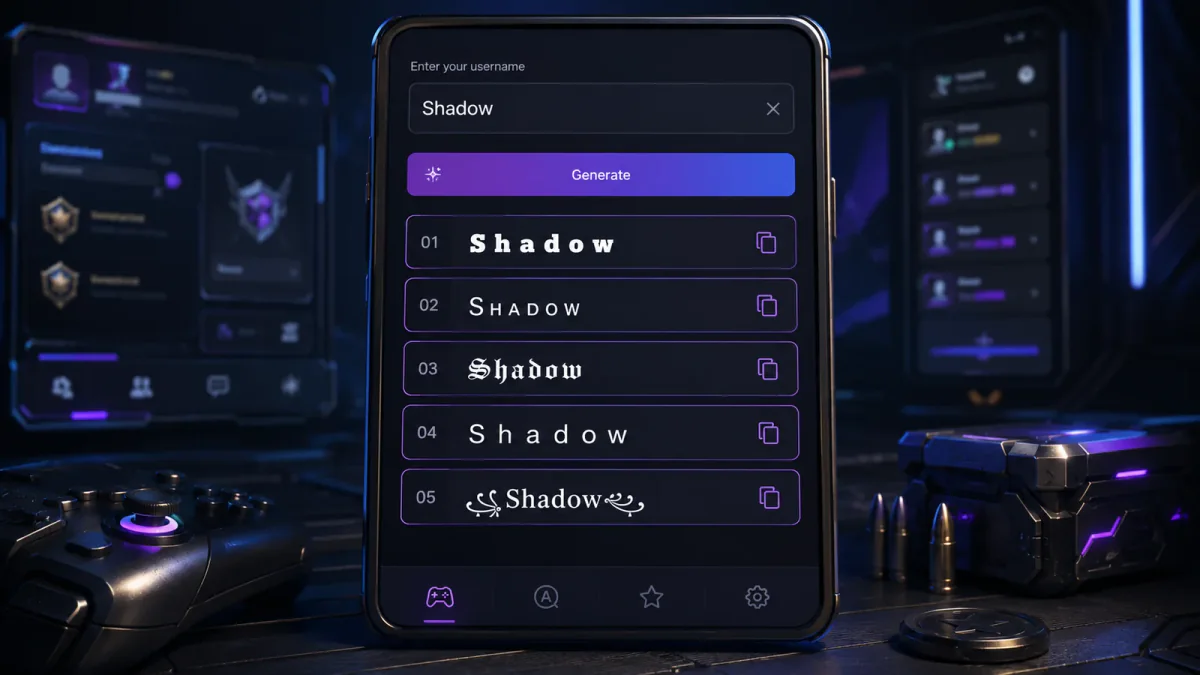
A gaming username font generator helps you make a name look sharper without losing readability in a small lobby, kill feed, or clan list. Enter a short base name, compare copy-ready Unicode styles for Free Fire, PUBG Mobile, COD Mobile, and Mobile Legends, then preview the exact result before confirming a rename.
These styles use Unicode characters rather than installed font files. Each game controls which characters its nickname field accepts, so begin with a simple version and add decoration carefully.
Quick checklist
- Start with a short plain-text name.
- Try clean bold Unicode letters or small caps first.
- Add one bracket pair or separator.
- Avoid long chains of symbols.
- Preview the complete name in the game.
- Keep a plain-text version as a backup.
How to Use the Gaming Username Font Generator
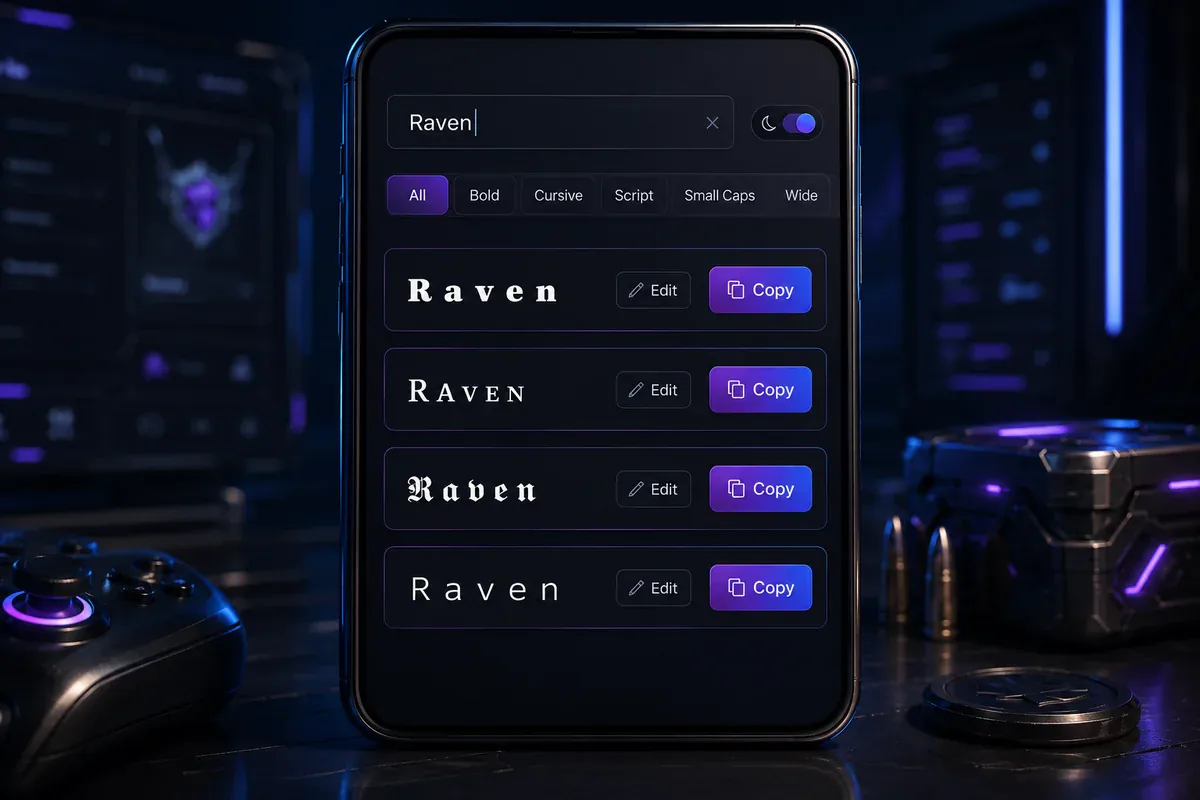
Enter a base name such as Shadow, Raven, Nova, or Viper in the generator. It will display several Unicode versions that you can edit and copy.
For example, Shadow may appear as:
𝗦𝗛𝗔𝗗𝗢𝗪ꜱʜᴀᴅᴏᴡ𝕾𝖍𝖆𝖉𝖔𝖜『SHADOW』乂SHADOW乂
A practical order to try is:
- Plain letters
- Clean bold Unicode letters
- Small caps
- Simple brackets
- Gothic letters
- Decorative effects
Choose a version that keeps the original word easy to identify. Heavy decoration may look clear in a large browser preview but become crowded in a lobby, roster, or match screen.
The free Unicode font generator offers more general styles when you want to compare the same name across several text categories. For Discord-specific naming advice, read the Discord fonts guide. If the same handle also goes on a stream, the Twitch font generator covers what survives in channel names, panel headings and stream titles, which accept different characters than most games do.
Example: A player enters Nova and compares ɴᴏᴠᴀ, 『NOVA』, and 𝕹𝖔𝖛𝖆. The small-cap version is compact, while the bracketed version adds a visible frame without changing every letter.
Best Fonts for Gaming Usernames
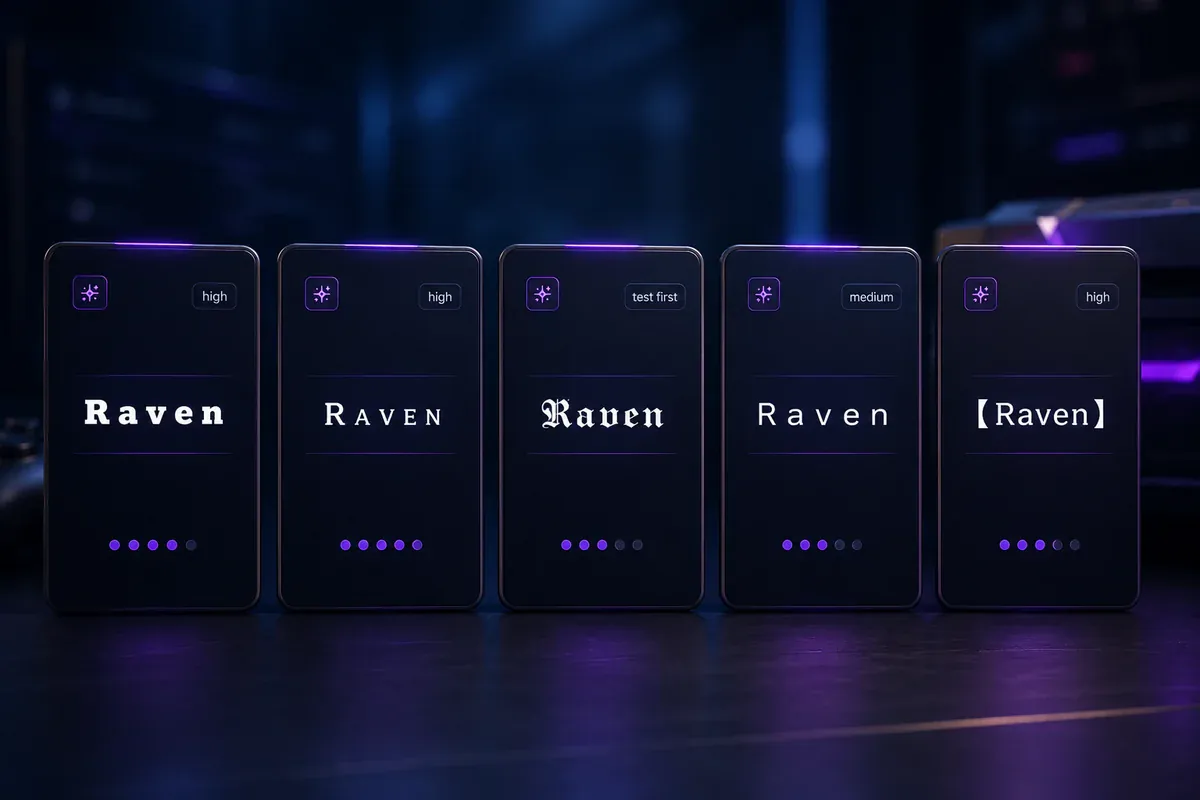
The right gaming text style depends on where the name will appear. A profile page offers more room than a narrow roster row or fast-moving kill feed.
| Style | Example | Typical readability | What to consider |
|---|---|---|---|
| Clean bold | 𝗥𝗔𝗩𝗘𝗡 | Generally high | Clear letter shapes, though some characters may still be filtered |
| Small caps | ʀᴀᴠᴇɴ | Generally high | Compact and suitable for short mobile names |
| Gothic | 𝕽𝖆𝖛𝖊𝖓 | Moderate | Strong theme but harder to scan at small sizes |
| Fullwidth | RAVEN | Moderate | Uses more horizontal space |
| Symbol-wrapped | 『RAVEN』 | Generally high | Keeps the core word visible |
| Glitch text | R̷a̷v̷e̷n̷ | Low | Combining marks may paste or display poorly |
Clean Bold and Small Caps
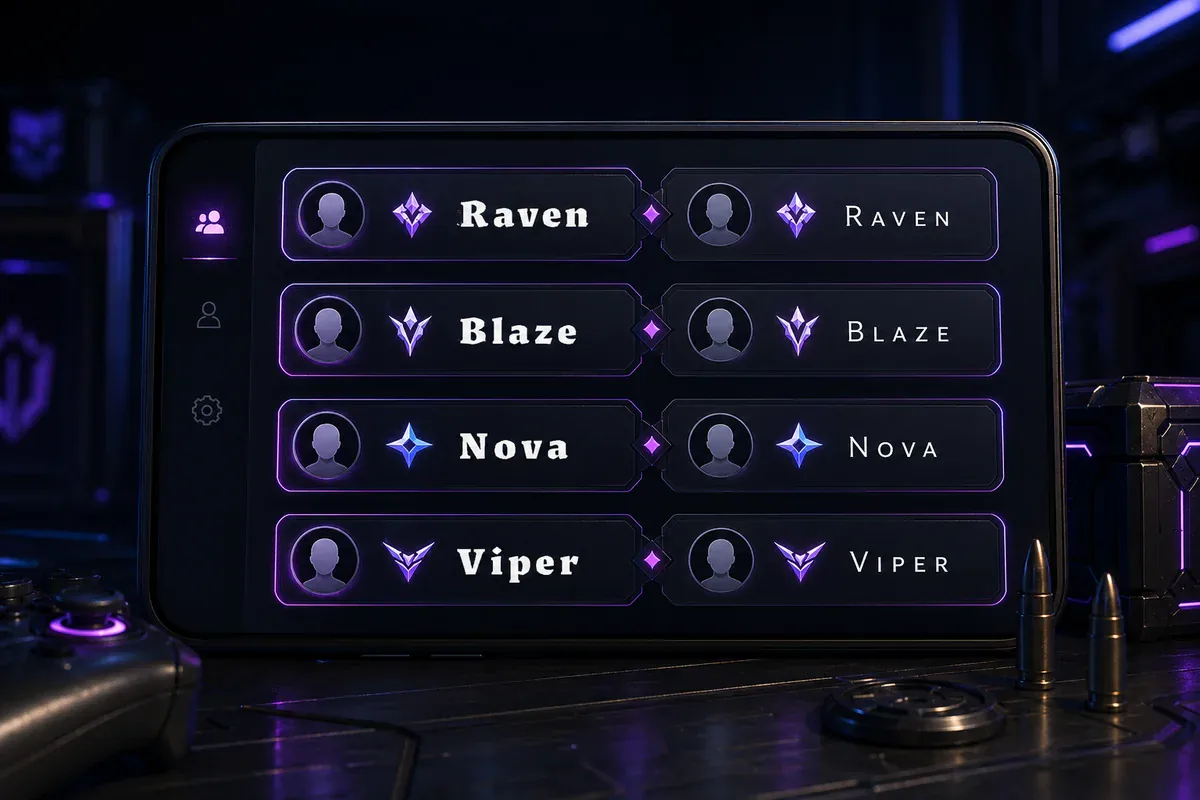
Bold and small-cap styles suit players who want a clear visual change without covering the name in symbols.
Examples include:
𝗕𝗟𝗔𝗭𝗘ʙʟᴀᴢᴇ𝗩𝗜𝗣𝗘𝗥ᴠɪᴘᴇʀ𝗡𝗢𝗩𝗔ɴᴏᴠᴀ
Compare more bold username fonts and the small caps generator when the name must remain clear on a small screen — it explains letter coverage and where the style holds up best. For a softer, kaomoji-wrapped look on friend or couple profiles instead of a competitive tag, see the cute font generator.
Gothic and Dark-Themed Styles
Gothic letters give short names a heavier appearance:
𝕽𝖆𝖛𝖊𝖓𝕹𝖔𝖛𝖆𝖁𝖎𝖕𝖊𝖗𝕲𝖍𝖔𝖘𝖙
Keep gothic names short. A long word with gothic letters, stars, brackets, and extra marks can become difficult to read.
The gothic gaming fonts page contains more dark-style variations.
Fullwidth and Symbol-Wrapped Names
Fullwidth characters take more horizontal space than ordinary letters. They can suit short names such as ACE, REX, or NOVA, but longer results may be clipped in narrow interface areas.
A single bracket pair often produces a clearer result:
『RAVEN』【NOVA】乂VIPER乂BLAZE々
Compare ꧁༒𝕽𝖆𝖛𝖊𝖓༒꧂ with 『RAVEN』. The first has more decoration, while the second keeps the word visible and is easier to simplify.
How to Test Unicode Fonts in Popular Games
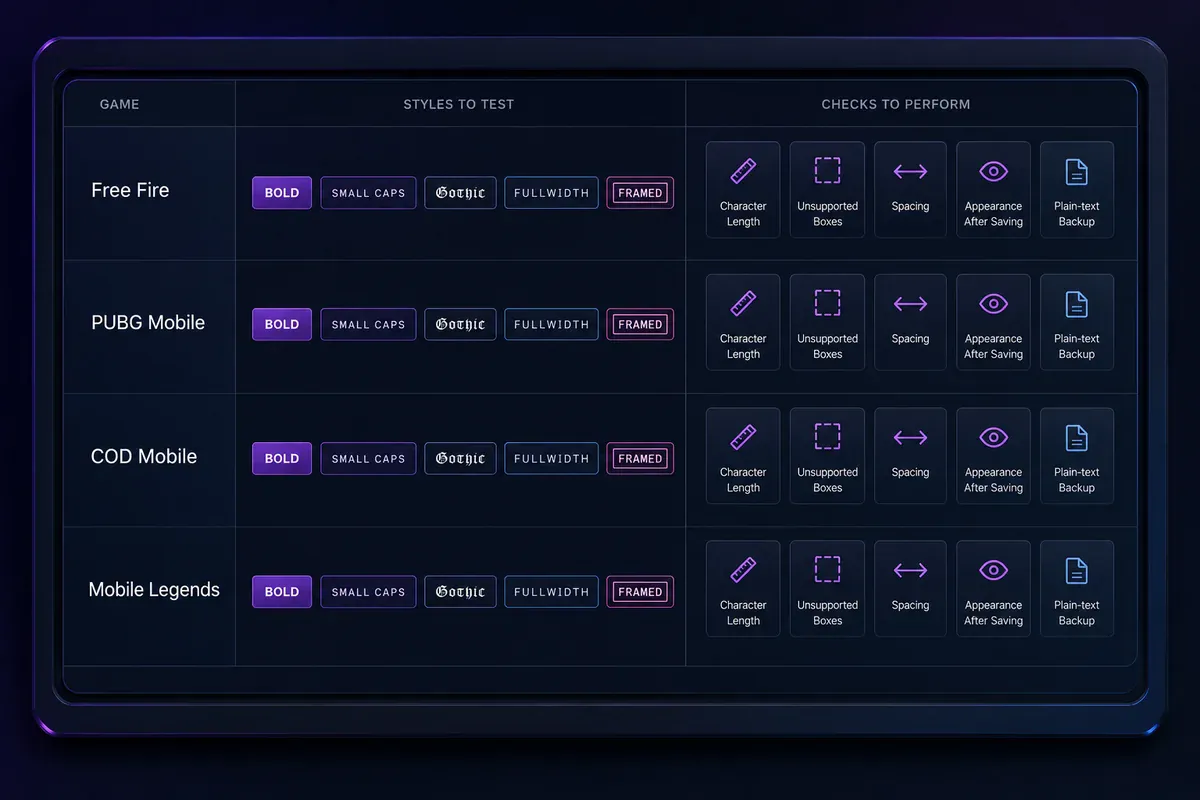
Username rules can vary by game version, region, device, and nickname field. The examples below are starting points rather than confirmed compatibility results.
Unicode identifies the characters used in these styles, but it does not control what a game accepts. The Unicode Character Database provides technical character data, while each game applies its own display-name rules.
| Game | Styles to test first | What to check |
|---|---|---|
| Free Fire / Free Fire MAX | Plain letters, small caps, simple brackets | Acceptance, missing boxes, and name width |
| PUBG Mobile / BGMI | Plain letters, short small caps, separators | Field rejection, clipping, and readability |
| COD Mobile | Plain letters and minimal decoration | Rename preview and character filtering |
| Mobile Legends: Bang Bang | Small caps and simple brackets | Display in lobby and profile areas |
Review these points when testing a complete name:
- Is the full name accepted by the nickname field?
- Does each character appear on your device?
- Does the result fit in the available space?
- Is the name readable in the lobby and match interface?
Keep searchable versions and important profile details in ordinary text. Decorative Unicode may be read differently by assistive tools, older devices, or search fields.
Stylish Gaming Name Examples by Game
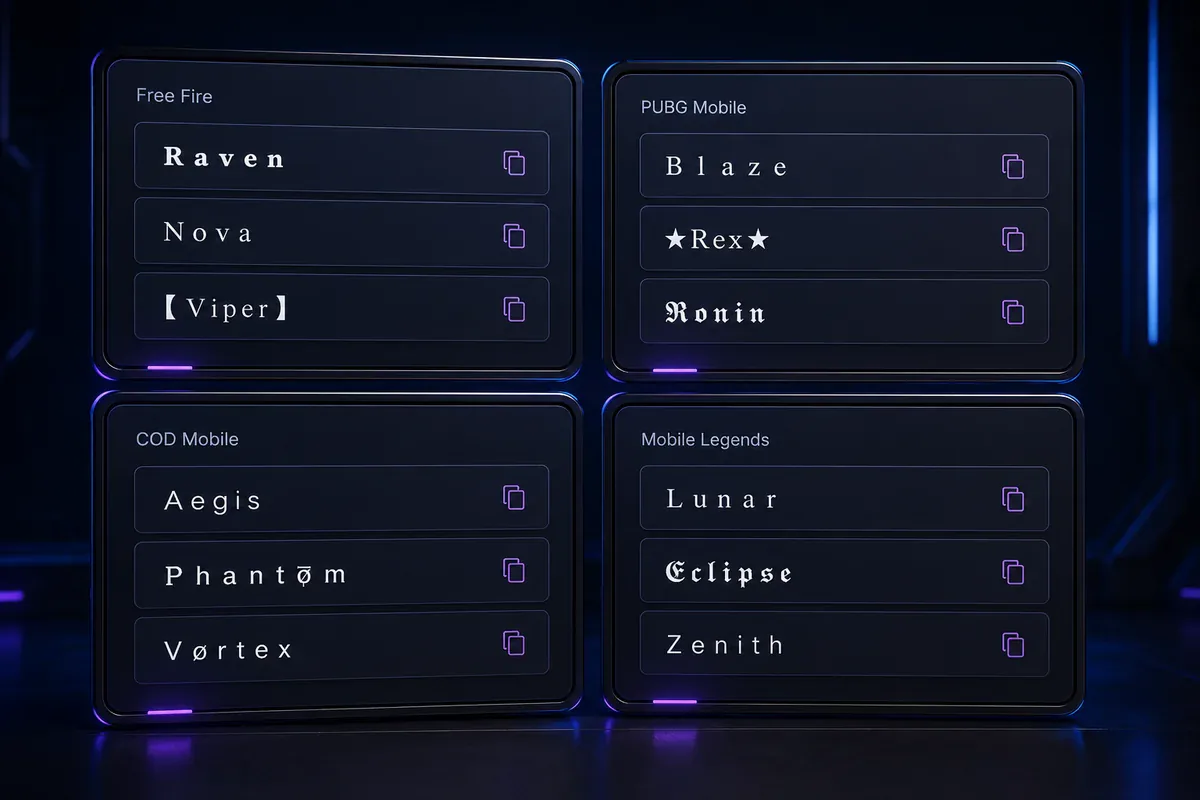
A gaming username font generator is most useful when its examples can be edited. Replace the base word, keep the structure you like, and remove symbols that do not display correctly.
Free Fire Font Generator Ideas
- Blaze:
亗BLAZE亗 - Shadow:
『SHADOW』 - Ghost:
ɢʜᴏꜱᴛ - Falcon:
乂FALCON乂 - Nova:
NOVA々
A free fire font generator can help you compare ordinary letters, compact styles, and symbol frames.
Example: Keep BLAZE as the backup for 亗BLAZE亗. When an outside symbol does not work, try 『BLAZE』 or ʙʟᴀᴢᴇ.
PUBG Stylish Name Ideas
- Viper:
VIPER々 - Raven:
『RAVEN』 - Hunter:
乂HUNTER乂 - Reaper:
ʀᴇᴀᴘᴇʀ - Nova clan member:
『NV』RAVEN
A short PUBG stylish name leaves more space for a clan tag. Style either the tag or the player name heavily rather than decorating both.
Example: 『NV』RAVEN is easier to scan than ꧁༒『NV』𝕽𝖆𝖛𝖊𝖓༒꧂.
COD Mobile Font Generator Ideas
- Raven:
RAVEN - Shadow:
SH4DOW - Viper:
ᴠɪᴘᴇʀ - Ace:
ACE々 - Ghost:
『GHOST』
Begin with minimal decoration when testing a COD Mobile font generator result. Activision’s account instructions state that changing a COD Mobile name requires a Rename Card. Check the current in-game screen before completing the change.
Read the official COD Mobile account and friends guide for account-related instructions.
Mobile Legends Font Generator Ideas
- Luna:
『ʟᴜɴᴀ』 - Saber:
ꜱᴀʙᴇʀ - Raven:
『RAVEN』 - Nova:
ɴᴏᴠᴀ - Guild member:
【NV】LUNA
A Mobile Legends font generator can produce compact decorative names. Thin script letters may be hard to read in small interface areas.
Example: Compare 𝓛𝓾𝓷𝓪 with 『ʟᴜɴᴀ』. The second keeps clearer letter shapes while adding a simple frame.
How to Make a Stylish Gaming Name
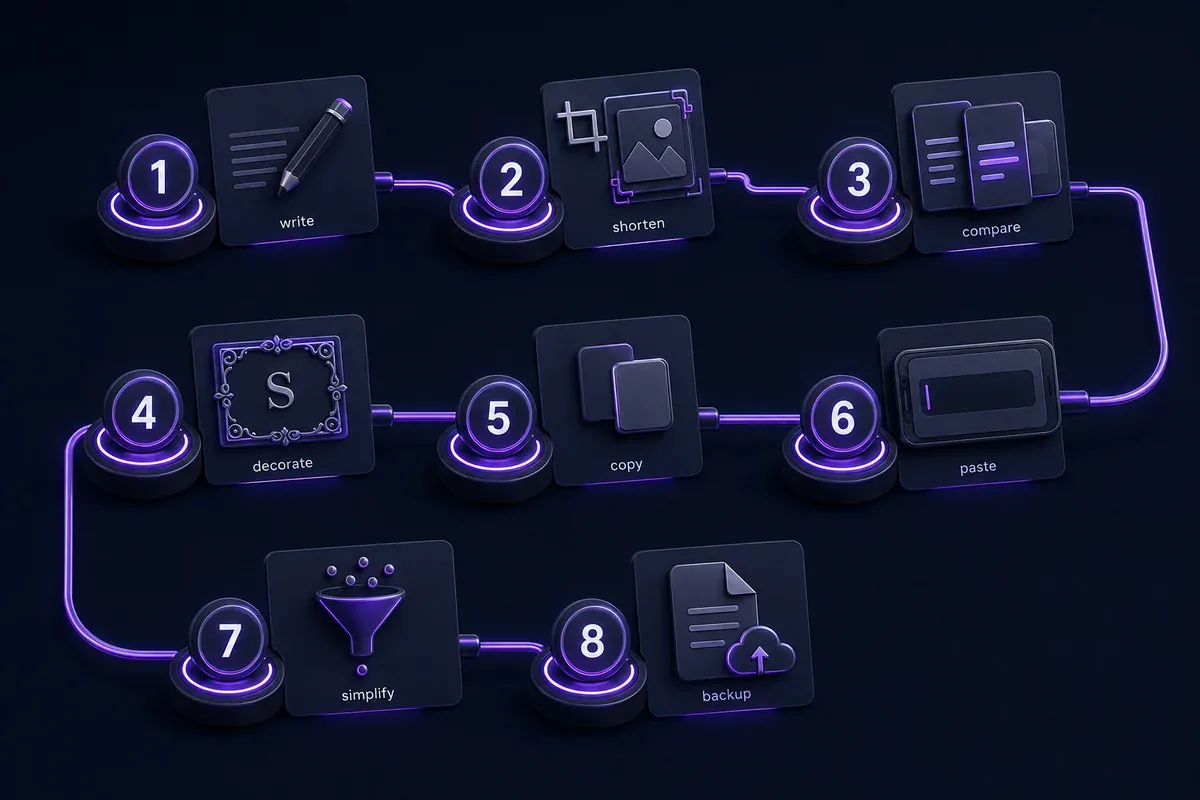
Follow these steps to create a stylish gaming name copy and paste result:
- Write the core name. Begin with ordinary letters, such as
Shadow. - Shorten it when needed. Short names leave room for a tag or symbol.
- Compare readable styles. Try bold letters, small caps, and simple frames.
- Add one decoration. For example, change
SHADOWto『SHADOW』. - Copy the full result. Make sure no spaces or symbols are missing.
- Paste it into the game. Review how it looks before confirming.
- Remove one element at a time when rejected. Start with outside symbols.
- Save the plain version. Keep
SHADOWas a fallback.
Step one assumes you already have a core name in mind. If you do not, the username generator will build one for you — choose the Gaming style and it returns names already shaped like player tags, which you can then style with the fonts above.
Step seven is easier with a tool that styles part of a line rather than all of it. The text styler lets you select just the clan tag or a single letter and restyle that, leaving the rest plain — useful when a game rejects a fully styled name but accepts one decorated character.
Example: Building a Clan Name
A Nova clan member wants a tag beside the name Raven.
- Core name:
RAVEN - Clan letters:
NV - Heavy version:
꧁༒『NV』𝕽𝖆𝖛𝖊𝖓༒꧂ - Cleaner version:
『NV』RAVEN - Plain backup:
[NV] RAVEN
The cleaner result keeps the tag separate and makes the player name easier to identify.
Why Some Gaming Fonts Do Not Work
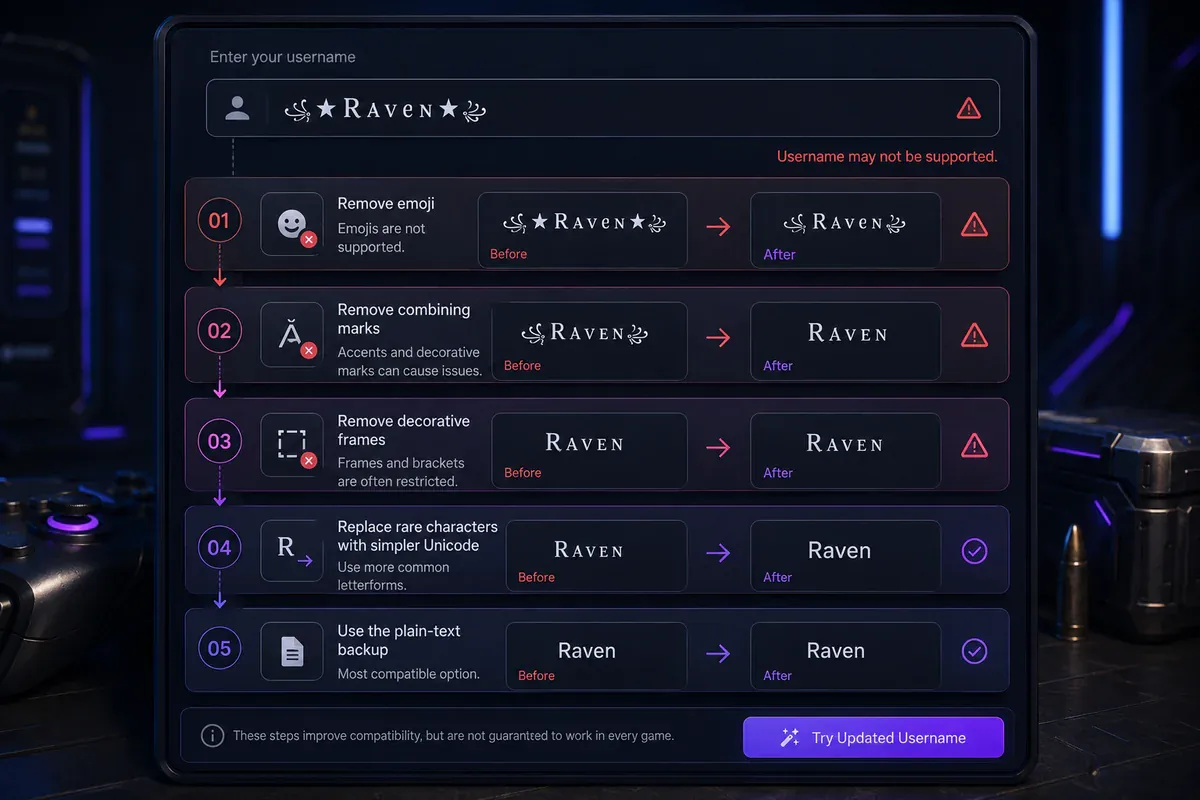
A generated name may fail because the game filters a character, the device lacks a matching glyph, the text is too wide, or the name contains combining marks that the field cannot process.
Squares, empty boxes, or replacement symbols often mean that a character is not rendering correctly.
Try these fixes in order:
- Remove emoji.
- Remove glitch marks and stacked accents.
- Remove outside frames.
- Replace rare styled letters with small caps.
- Shorten the name.
- Test ordinary letters.
- Check whether the plain name is unavailable or restricted.
Troubleshooting Example
Start with:
꧁༒S̷H̷A̷D̷O̷W̷༒꧂
Simplify it in stages:
『S̷H̷A̷D̷O̷W̷』
『SHADOW』
ꜱʜᴀᴅᴏᴡ
SHADOW
This sequence helps separate problems caused by combining marks, outside symbols, styled letters, or the base name.
A browser preview confirms that the text can be displayed on the current device. The game still decides whether the same string can be saved in its nickname field.
Gaming Symbols, Clan Tags, and Readable Names
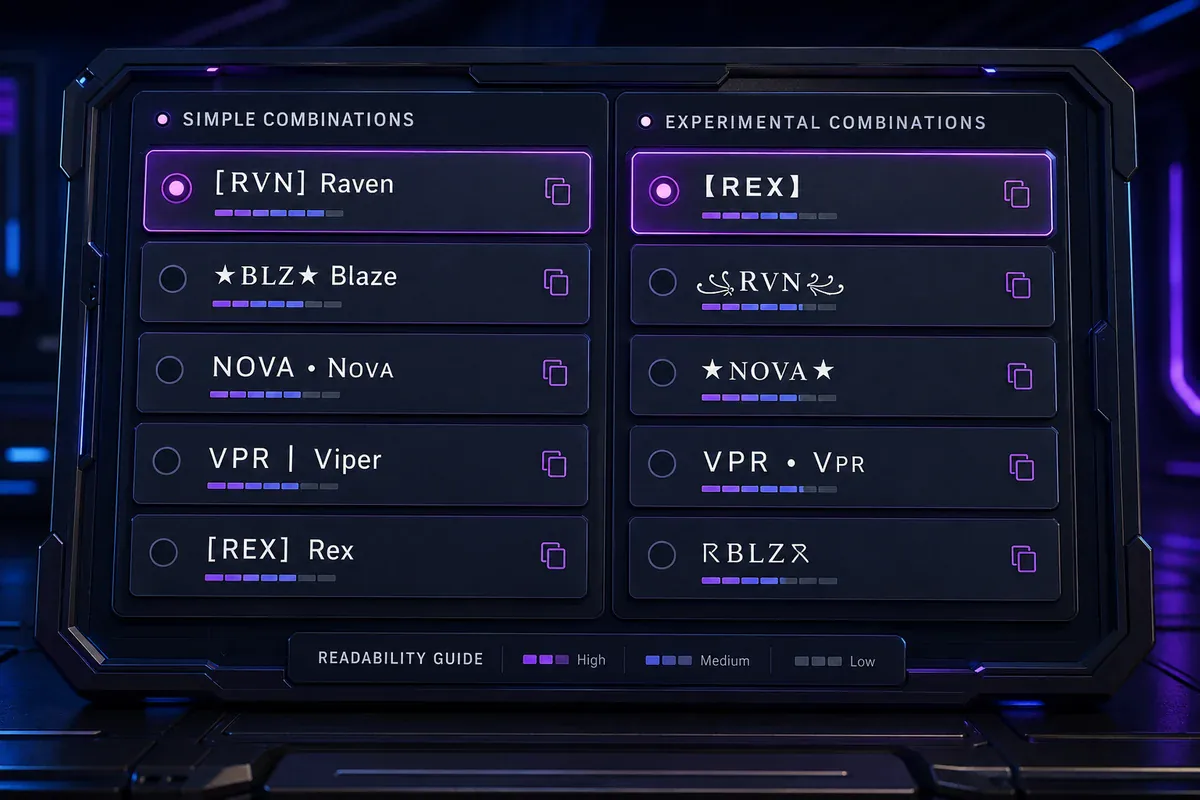
Symbols work best when they frame or divide a name. A long row of marks can hide the letters and make a clan tag difficult to recognize.
Browse gaming symbols and special characters when building a short tag or frame.
Useful groups include:
- Separators:
々・乂 - Brackets:
『 』【 】 - Stars:
★✦ - Clan forms:
[NV]『NV』NV々 - Experimental marks: stacked accents and rare ornaments
Readable clan-tag examples:
『NV』RAVEN[ACE] ViperNOVA々Luna【RX】BLAZE『GG』SHADOW
Before saving the name, ask:
- Can another player read it quickly?
- Is the main word easy to pronounce?
- Does the clan tag remain separate?
- Does the name still make sense without symbols?
- Is there a plain version people can search for?
- Does it fit without clipping?
Practical example: A squad called Nova can use 『NV』 as its shared tag while each player keeps a plain or lightly styled name.
Frequently Asked Questions
What does a gaming username font generator do?
A gaming username font generator replaces ordinary letters with similar-looking Unicode characters. You can copy the result and try it in a game’s nickname field without installing a font file.
Are gaming username fonts real fonts?
Most copy-and-paste styles are Unicode character substitutions rather than downloadable font files. The characters resemble bold, gothic, small-cap, circled, or decorative lettering.
Do gaming fonts work in Free Fire, PUBG, COD Mobile, and Mobile Legends?
Some styles may be accepted, while others may be filtered or displayed incorrectly. Character handling can vary by game, field, device, and version.
Why does my gaming name show squares or boxes?
The device or game may not have a matching glyph for one of the characters. Remove emoji, combining marks, rare letters, and outside decorations until the name displays normally.
Which gaming font is easiest to read?
Clean bold Unicode letters, small caps, and simple bracketed names are generally easier to scan than script, gothic, or glitch styles. The clearest choice depends on the game’s interface and text size.
Choose a Gaming Name That Stays Readable
A gaming username font generator is most useful when the finished name remains easy to recognize. Start with a simple style, keep the core word clear, and save the plain version as a backup.
Type your gaming name, choose a readable style, and preview it before confirming the change.